How to Upgrade Frappe & ERPNext Safely - Complete Guide
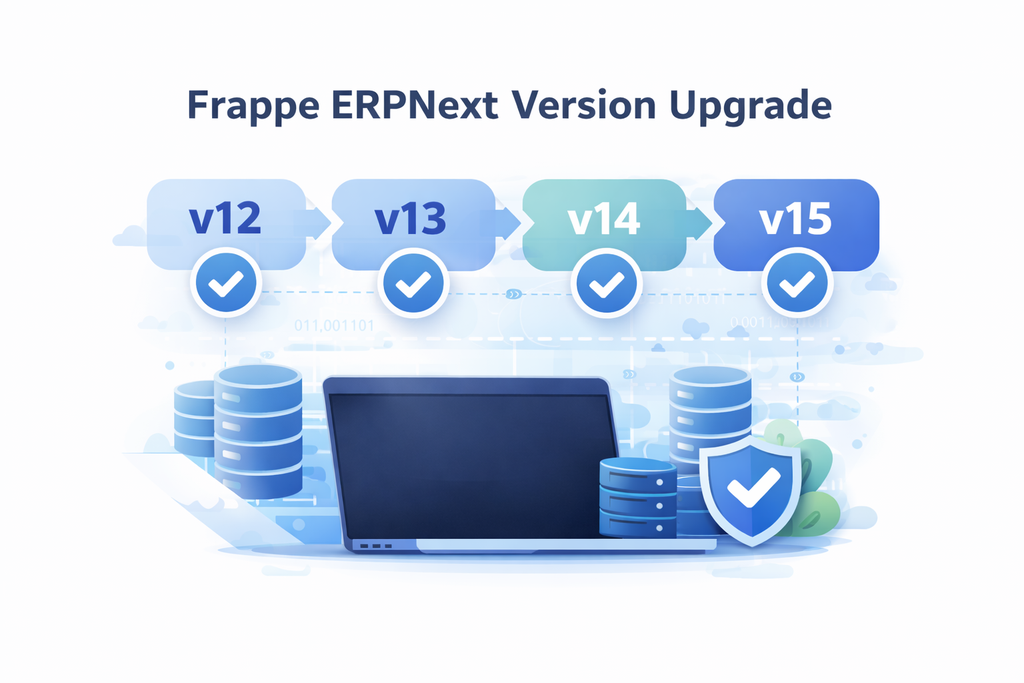
Upgrading Frappe and ERPNext from older versions (v12, v13) to newer versions (v14, v15, v16) follows a consistent process using bench commands. This guide explains the safest way to upgrade while ensuring zero data loss.
✔ When proper backup and upgrade steps are followed, this method does
NOT cause any data loss. All database records and files remain intact.
Step 1: Take Full Backup (Mandatory)
Before upgrading, always take a complete backup of your site.
bench backup --site your_siteThis command creates:
- Database backup
- Public files backup
- Private files backup
Step 2: Common Upgrade Commands (All Versions)
The following bench commands remain the same for all version upgrades. Replace the version number as needed.
bench switch-to-branch version-13 frappe erpnext --upgrade
bench update --patch
bench setup requirements
bench build
bench migrate
Verify Upgrade
bench version
bench --version
You can replace version-13 with:
- version-14
- version-15
These commands perform schema updates and patches safely without deleting business data.
Step 3: System Validation (Required for v14 and Above)
Frappe/ERPNext v14 and above require specific Ubuntu, Python, and Node versions.
Always validate system requirements before upgrading.
1️⃣ Check Ubuntu Version
lsb_release -aRequired: Ubuntu 20.04 or higher
2️⃣ Check Python Version
python --versionRequired: Python 3.10
If not installed:
sudo apt update
sudo apt install python3.10 python3.10-dev python3.10-venv -y
Recreate Virtual Environment (If Needed)
rm -rf env
python3.10 -m venv env
source env/bin/activate
pip install --upgrade pip
pip install frappe-bench
3️⃣ Check Node Version
node -v- ERPNext v14 → Node 16 or 18 recommended
- ERPNext v15 → Node 18.x.x mandatory
Install Node via NVM
curl https://raw.githubusercontent.com/creationix/nvm/master/install.sh | bash
source ~/.profile
nvm install 18
nvm use 18
Install Yarn
npm install -g yarn
yarn --version
Upgrade Flow Summary
- v12 → v13: Only common bench commands required.
- v13 → v14: Validate Ubuntu 20+, Python 3.10, Node compatibility.
- v14 → v15: Ensure Node 18.x.x.
Final Notes
Frappe and ERPNext upgrades are safe when:
- Full backup is taken
- System requirements are validated
- Bench migrate completes successfully

NA
No comments yet. Login to start a new discussion Start a new discussion