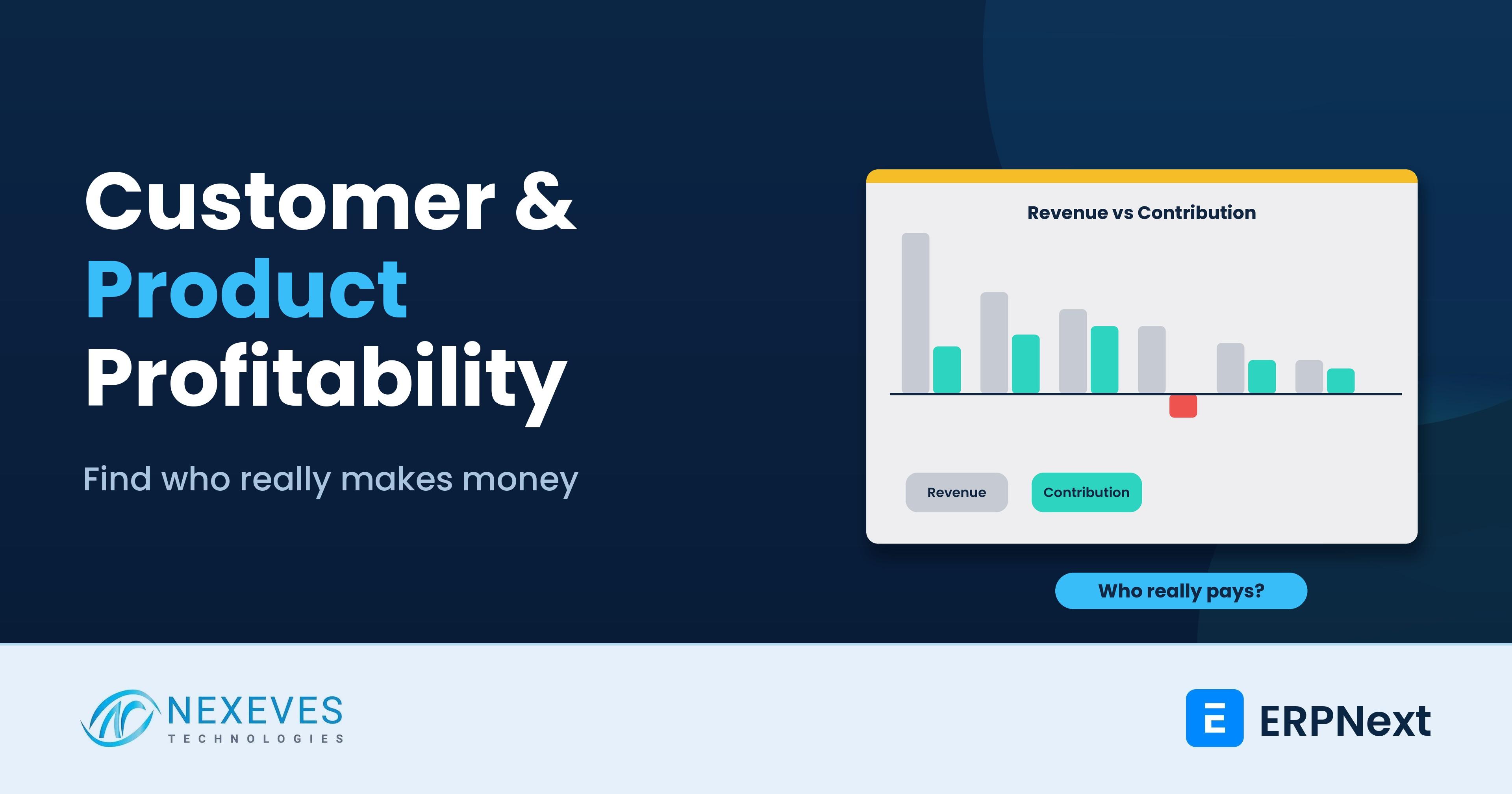
Ask most business owners who their best customer is and they name the biggest buyer. Ask who their best product is and they name the one with the highest sales. Both answers use revenue, and revenue is the least reliable guide to profit. A large customer who demands deep discounts, pays in four months, returns goods and needs special packaging may leave you with less profit than a smaller, quieter account.
This is a data-analyst problem with a business-owner solution. You can measure customer and product profitability from the data already in your ERP. The method moves from revenue to gross margin, then to contribution after the cost to serve and the cost of waiting for payment. The ranking often changes, and the decisions that follow, on price, terms, minimum orders and focus, can be worth more than any new sale.
This guide explains the logic, gives a worked example with hypothetical figures, shows which ERPNext reports to use, and lists the actions and warnings. We do not quote statistics about how many customers are unprofitable, because that varies by business. Your own data decides. For related analysis, see data analytics and dashboards in ERPNext.
Key takeaways
- Revenue ranks size, not value. Profitability needs cost of goods, discounts, returns, delivery and service cost, and the cost of financing receivables.
- Gross margin is the start, contribution is the answer. Contribution = gross margin minus cost to serve minus financing cost.
- ERPNext gives the pieces: the Gross Profit report can group by customer, item, item group, territory, sales person and more, and Sales Analytics and receivables reports supply volume and payment days.
- Act with care. Reprice, change terms and set minimums before you drop anyone, and check strategic value and contract terms first.
Do you know which customers lose you money?
Send us a year of sales and receivables. We will run a profitability analysis in a free 30-minute session and show you the surprises.
Analyse my customers → WhatsApp us: +91 8089051848
Or email info@nexeves.com
Why revenue misleads
Revenue ignores three things that decide profit:
- What the goods or service cost you. Two products with the same price can have very different margins.
- What it costs to serve. Special delivery, small and frequent orders, returns, rebates, field visits, long approval cycles and extra support.
- What waiting for payment costs. Money owed to you is money you must finance, either from your own funds or borrowed.
A customer or product that looks great on a revenue chart can look average or poor once these are counted. The reverse also happens, and that discovery is usually more valuable: a small account with high margin, fast payment and low cost to serve deserves more attention than it gets.
The three levels of profit
| Level | Formula | Question it answers |
|---|---|---|
| Gross margin | Net sales - cost of goods sold | What is left after the product or service cost? |
| Contribution margin | Gross margin - variable cost to serve (freight, commissions, returns handling, rebates, packaging) | What does this customer or product add to cover overheads and profit? |
| Contribution after financing | Contribution - cost of financing receivables (and optionally stock) | What is left after paying for the time you wait? |
Overheads such as rent and head office salaries are normally not allocated at this level, to avoid arbitrary splits. A customer with positive contribution helps pay for overheads. A customer with negative contribution makes the problem worse with each order. Product profitability uses the same logic with product-specific costs, such as warranty, wastage and storage.
A worked example (hypothetical)
Six customers, with invented figures in lakh, and an assumed financing cost of 12 percent a year. Financing cost is revenue times days to pay divided by 365, times the rate. Replace each input with your own data.
| Customer | Revenue | Gross margin | GM % | Cost to serve | Days to pay | Financing cost | Contribution | Contribution % |
|---|---|---|---|---|---|---|---|---|
| Customer 1 | 500 | 100 | 20% | 20 | 90 | 14.8 | 65.2 | 13% |
| Customer 2 | 300 | 90 | 30% | 6 | 30 | 3.0 | 81.0 | 27% |
| Customer 3 | 250 | 100 | 40% | 5 | 45 | 3.7 | 91.3 | 37% |
| Customer 4 | 200 | 30 | 15% | 25 | 120 | 7.9 | -2.9 | -1% |
| Customer 5 | 150 | 50 | 33% | 4 | 30 | 1.5 | 44.5 | 30% |
| Customer 6 | 100 | 40 | 40% | 3 | 30 | 1.0 | 36.0 | 36% |
Total revenue is 1,500 and total contribution after financing is 315.2. Now compare the rankings:
| Rank | By revenue | By contribution |
|---|---|---|
| 1 | Customer 1 | Customer 3 |
| 2 | Customer 2 | Customer 2 |
| 3 | Customer 3 | Customer 1 |
| 4 | Customer 4 | Customer 5 |
| 5 | Customer 5 | Customer 6 |
| 6 | Customer 6 | Customer 4 |
The largest customer by revenue is not the best by contribution. Customer 4, with decent revenue, is negative: low gross margin, high cost to serve and 120 days to pay. Customer 3, a mid-sized account, contributes the most. Customer 6, the smallest, earns a contribution of 36 percent of its revenue, among the best rates in the table, so it is worth growing even though it ranks fifth in absolute terms. If you had cut effort on the small accounts to chase the large ones, you could have moved in the wrong direction.
Want the profitability template?
Message us and we will send the customer contribution spreadsheet from this post, with the ERPNext report mapping.
Send me the template → WhatsApp us: +91 8089051848
Or email info@nexeves.com
Get the data from ERPNext
| Need | ERPNext report or source | Notes |
|---|---|---|
| Margin by customer, item, item group, brand, territory, sales person, project or month | Gross Profit report with the Group By filter | The docs advise checking missing or unusual buying rates, returns and credit notes, stock and non-stock items, currency conversion and the valuation method |
| Sales volume trends by customer and item | Sales Analytics, Customer-wise and Item-wise Sales | Use for trends and concentration, not as an audit |
| Payment days | Accounts Receivable and Receivable Summary, with payment ledger | Compute days to pay per customer, and note unallocated payments |
| Discounts | Sales Invoice discount fields, Pricing Rule usage | Discount leakage often hides in manual discounts |
| Returns | Credit notes (return invoices) and Delivery Note returns | Include the cost of handling, not only the value |
| Freight and delivery | Expenses tagged by customer, project or cost center, or landed charges | Needs consistent tagging |
| Project-based work | Profitability Analysis report filtered by Project | Compares project income and related costs |
| Business unit or branch results | Profit and Loss Statement filtered by cost center or dimension | Good for segment views |
The Gross Profit report is only as reliable as your stock valuation and purchase entries. If purchase receipts are late or landed costs are missing, margins will look better than they are. See our guides to the landed cost voucher and how ERPNext financial posting works for why the cost side matters.
Export the report to a spreadsheet, add columns for cost to serve and financing cost, and keep the logic transparent. A first version in a spreadsheet is better than a perfect dashboard that no one trusts. Once the method is agreed, automate it as a custom report or a dashboard. See building dashboards in ERPNext.
Product profitability: extra checks
- Price realisation: average selling price against list price. A large gap means discount leakage.
- Cost accuracy: for manufactured goods, check BOM costs against actual material and labour. See manufacturing from BOM to production planning.
- Stock cost: slow-moving items tie up cash. A product with a good margin that sits for a year may earn less than a lower-margin product that turns fast.
- Returns and warranty: a product with a high return rate may be unprofitable even if the invoice margin is good.
- Complementary sales: some products are bought together. A low-margin item may bring in a high-margin one. Look at baskets before you drop it.
Reading the result: a simple segmentation
| Segment | Typical profile | What to do |
|---|---|---|
| Stars | High contribution, good payment, reasonable volume | Protect: service well, offer multi-year terms, secure the relationship |
| Growth bets | Good margin, small today | Invest sales time and marketing, aim to grow their share |
| Fix | Large volume, thin contribution | Reprice, restructure terms, set minimum order, reduce discounts, speed up collection |
| Exit or reduce | Negative contribution after fixes | Offer new terms or let the business go. Check strategic value first |
Actions that follow
- Reprice and cap discounts. Use pricing rules and approval workflows so exceptions need a decision. See how POS offers and discounts are automated in ERPNext for rule design.
- Change payment terms. Move slow payers to shorter terms, advance payment or a financing charge, supported by credit limits and reminders. See automated overdue invoice alerts.
- Set minimum order values or delivery charges for small, frequent, costly orders.
- Bundle or substitute low-margin products and push higher-margin alternatives.
- Review sales incentives. If salespeople are paid on revenue, they will chase revenue. Consider paying on margin.
- Renegotiate supplier costs on high-volume, low-margin items.
- Track the effect. Re-run the analysis every quarter and record the contribution gained.
Commercial changes affect relationships. Roll them out customer by customer, with the account manager involved, and keep a record of agreements.
Pitfalls to avoid
- Allocating overheads arbitrarily and calling the result profit. Use contribution for decisions.
- Using one year only for customers with lumpy or seasonal buying. Look at trends.
- Ignoring strategic value: a reference customer or a gateway to a new market can justify a thin margin, if you decide knowingly.
- Dropping customers by formula. Investigate causes first. Maybe the problem is one product or one delivery route.
- Trusting dirty data. Wrong item costs, missing returns and unallocated payments distort the result. Clean the data first. See data accuracy vs data overload.
- Making it personal. Present results as a business conversation, not blame on the sales team.
How Nexeves helps
We build margin and contribution reports in ERPNext, set up cost centers and tagging so the data is reliable, and run profitability reviews with owners and finance heads. See our implementation services or reach us through the contact page.
Frequently asked questions
How do I find out which customers are most profitable?
Start with gross margin by customer, then subtract the cost to serve (delivery, returns, rebates, support) and the cost of financing the receivable based on days to pay. Rank the result, called contribution, and compare it with the revenue ranking.
What is the difference between gross margin and contribution margin?
Gross margin is net sales minus cost of goods sold. Contribution margin also subtracts variable costs to serve, such as freight, commissions and returns handling, so it shows what a customer or product adds towards overheads and profit.
Which ERPNext report shows profit by customer?
The Gross Profit report can be grouped by customer, customer group, item, item group, brand, warehouse, territory, sales person, project or month. Check buying rates, returns and valuation before relying on it, and add cost to serve and financing cost outside the report.
Should I drop unprofitable customers?
Not automatically. First look for fixes such as repricing, shorter payment terms, minimum orders or reduced discounts, and consider strategic value and contracts. Drop or reduce only when the account stays negative after those steps.
How often should I run profitability analysis?
Quarterly is common, with a monthly look at the top and bottom accounts. Seasonal or project businesses should compare like periods.
Can ERPNext allocate overhead costs to customers?
ERPNext can split costs across cost centers, and you can tag costs by project or other dimensions. We recommend using contribution for customer decisions and avoiding arbitrary overhead allocation.
Grow the right customers, not just the biggest
Nexeves sets up cost centers, margin reports, price controls and dashboards in ERPNext, so you see profit, not only revenue.
Book my free profitability review → WhatsApp us: +91 8089051848
Or email info@nexeves.com
Nexeves serves India & the GCC: UAE (Dubai, Abu Dhabi), Saudi Arabia (Riyadh, Jeddah), Qatar (Doha), Kuwait, Bahrain and Oman (Muscat).


No comments yet. Login to start a new discussion Start a new discussion