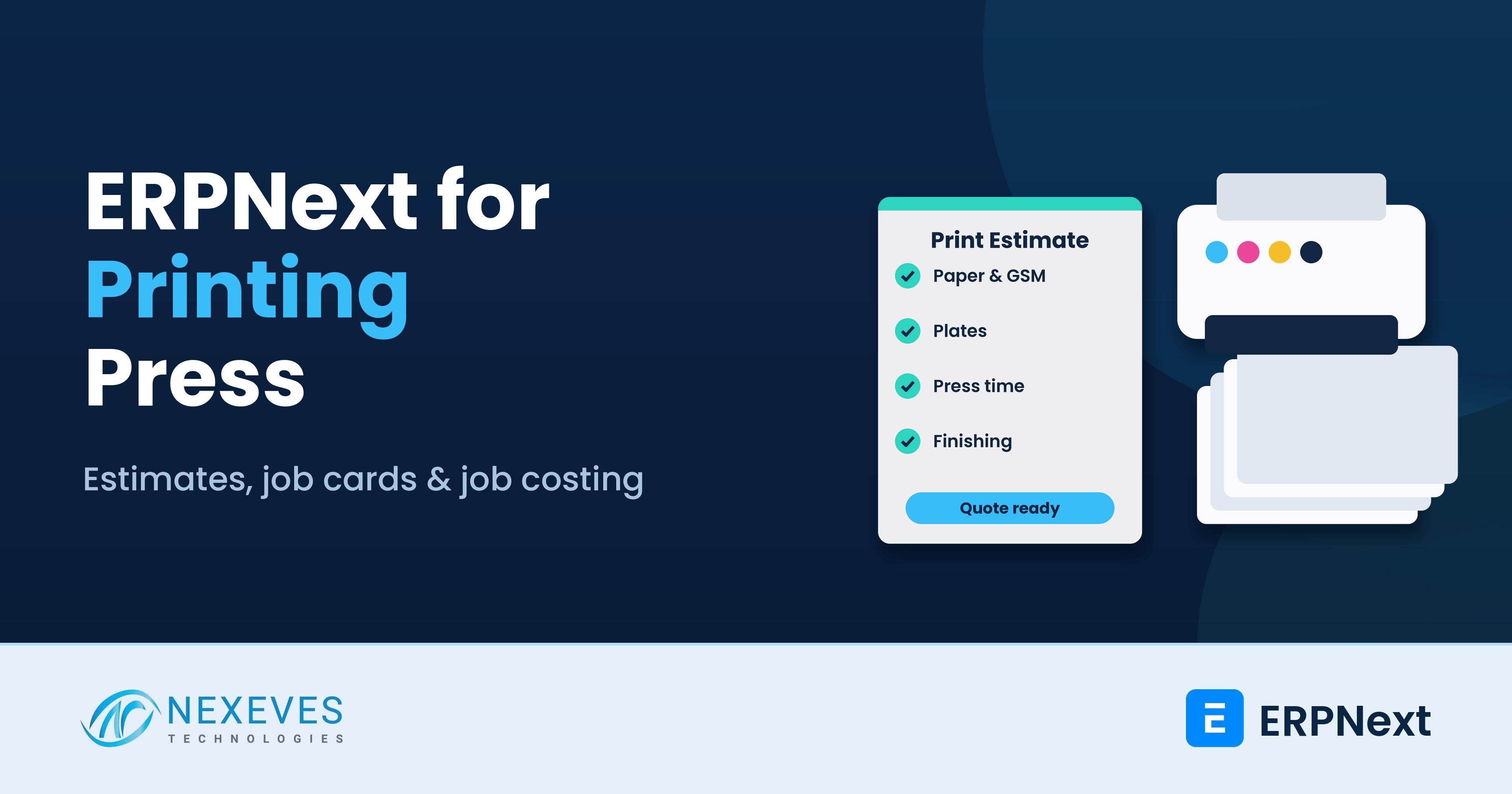
ERPNext for printing press businesses connects the three things printers struggle to keep in sync: fast, accurate estimates; paper and consumables stock; and the actual cost of each job once it has gone through pre-press, press, finishing and delivery. ERPNext's manufacturing features (BOMs, workstations, work orders and job cards) fit print production well, and a custom estimate calculator handles the printing-specific maths.
Who this is for: owners and production managers of offset presses, digital print shops, label and packaging printers, and commercial print houses in India (including Kerala) and the GCC.
Key takeaways
- Estimates in minutes: an estimate calculator works out sheets, ups, plates, impressions, wastage and finishing from the job specs.
- Paper stock you can trust: stock in reams, packets and sheets with automatic unit conversion.
- Job tickets on the floor: work orders and job cards for each operation, from pre-press to binding.
- Real job cost: actual paper, machine time and outsourced work compared with the estimate for every job.
Running an offset, digital or packaging press?
Book a free 30-minute printing ERP walkthrough. We will show a print estimate, the job ticket on the shop floor and the job cost report on ERPNext.
Show me print estimating → WhatsApp us: +91 8089051848
Or email info@nexeves.com
Why printers need more than accounting software
- Slow, inconsistent quotes. Estimates are done on spreadsheets or from memory, and two estimators give two prices.
- Paper stock that never matches. Paper is bought in reams, issued in sheets, and cut to smaller sizes, so registers drift.
- Jobs lost on the floor. Customers call for status, and the office has to walk to the press to find out.
- No idea which jobs make money. Paper waste, reprints, machine time and outsourced lamination are not linked to the job.
The print workflow in ERPNext
| Step | ERPNext feature |
|---|---|
| Enquiry and specs | Lead or Opportunity, with job specifications in a custom Print Estimate |
| Estimate and quote | Print Estimate calculator feeding a Quotation |
| Artwork and proof approval | Workflow on the Sales Order with attachments and approval status |
| Production planning | Work Order from a job-specific BOM with operations |
| Shop-floor tracking | Job Cards per operation, with time and quantity logs |
| Outsourced work | Subcontracting or purchase of services for lamination, die-cutting or binding |
| Delivery and billing | Delivery Note, Sales Invoice and payment follow-up |
Print estimating in ERPNext
The estimate is where printers win or lose work. A custom Print Estimate DocType takes the job specifications and calculates the cost build-up:
- Job specs: finished size, quantity, pages, colours front and back, paper type and GSM.
- Imposition: ups per sheet on the chosen press sheet size, giving the number of press sheets needed.
- Paper: sheets plus wastage allowance, converted to reams or kilos and valued at current cost.
- Plates and pre-press: number of plates or digital setup charges.
- Press time: make-ready and running time based on the machine's speed and hourly rate.
- Finishing: cutting, folding, lamination, UV, foiling, die-cutting, binding and packing.
- Margin and price: markup rules by customer type, with quantity breaks shown side by side.
Once approved, the estimate creates the Quotation automatically, and when the customer confirms, the same data creates the Sales Order and production BOM. Nobody re-types the specs.
Quantity breaks and repeat jobs
Customers often ask for prices at 1,000, 2,000 and 5,000 copies. The estimate can calculate all three in one go. For repeat jobs, you copy the previous estimate and update paper rates, which keeps pricing consistent over time.
Send us one estimate and one job ticket
On a free call we will map your estimate sheet and job ticket to ERPNext and show which calculations can be automated.
Map my press workflow → WhatsApp us: +91 8089051848
Or email info@nexeves.com
Paper and consumables stock
Paper is the biggest cost in most print jobs. ERPNext handles it with:
- Item per paper type, GSM and size, using variants so you do not create hundreds of items by hand.
- Unit conversions between reams, packets, sheets and kilos, so you buy in one unit and issue in another.
- Issue against the work order, so paper consumed is charged to the job.
- Offcuts and returns recorded back into stock when usable.
- Reorder levels for standard papers, inks, plates and chemicals.
See our ERPNext inventory management page for the stock features.
Production: work orders and job cards
Each confirmed job becomes a Work Order. The BOM lists the materials (paper, plates, ink, lamination film) and the operations, each linked to a Workstation such as CTP, offset press, digital press, cutting machine, folding, lamination and binding. Each workstation has an hourly rate covering power, labour and depreciation.
ERPNext creates a Job Card for each operation. Operators log start and end times and good and rejected quantities, from a shop-floor tablet or the office. The production manager sees which jobs are on which machine and what is waiting. Our ERPNext manufacturing guide for Kerala SMEs explains work orders and job cards in more detail.
Artwork, proofs and approvals
Artwork files and proofs can be attached to the Sales Order, and a workflow records proof sent, corrections and final approval with dates. Production can be blocked until the proof is approved, which avoids costly reprints.
Outsourced finishing
Many presses send work outside for lamination, foiling, die-cutting or special binding. ERPNext can track this as subcontracting, where sheets are sent to the vendor and finished goods received back, or as a purchase of services linked to the job. Either way, the vendor's charge lands on the job cost and you can see which vendors are delayed.
Delivery, billing and GST or VAT
Finished jobs are delivered with a Delivery Note, which can be partial for large runs, and billed with a Sales Invoice. Advance payments for large orders are recorded and adjusted against the invoice. In India, GST classification for printing can depend on whether you supply the content and paper or print the customer's content, so agree the treatment with your CA and set the right HSN or SAC codes on each item. ERPNext then generates GST invoices and e-invoices through the India Compliance app; see our ERPNext GST setup guide. In the GCC, ERPNext prints VAT invoices and prepares returns where VAT applies.
Job costing: estimate vs actual
| Cost element | Estimated from | Actual from |
|---|---|---|
| Paper | Estimate sheets and wastage | Stock issued to the work order |
| Plates and consumables | Estimate | Stock issued |
| Machine time | Estimated make-ready and run time | Job card time logs × workstation rate |
| Outsourced finishing | Vendor rates | Vendor invoices linked to the job |
| Reprints and spoilage | Wastage allowance | Rejected quantities and extra paper issues |
A job cost report compares estimate and actual for each job and highlights where waste or time overruns occurred. Over time this improves your estimating rates, because they are based on real data.
Reports printers use
- Quotes sent vs won by customer and estimator.
- Jobs in production by machine and due date.
- Machine utilisation by workstation.
- Paper consumption and stock value by type and GSM.
- Job profitability by customer and product type.
A practical rollout plan
- Masters: papers, consumables, workstations with hourly rates and customers.
- Estimating: Print Estimate calculator and quotation formats.
- Production: BOM templates, work orders, job cards and proof approvals.
- Purchasing and outsourcing: paper buying and subcontracted finishing.
- Costing and reports: estimate vs actual and management dashboards.
How Nexeves helps printers
We study your estimate sheets, job tickets and paper registers, then configure ERPNext and build the estimate calculator through our ERPNext customisation service. We load paper and workstation masters, train estimators, production and accounts teams in English or Malayalam, and support you after go-live.
Frequently asked questions
Does ERPNext have a printing press module?
Not as a dedicated module. ERPNext’s manufacturing features (BOMs, workstations, work orders and job cards) fit print production, and a custom Print Estimate calculator adds printing-specific maths such as ups, sheets, plates and impressions.
Can ERPNext calculate print estimates automatically?
Yes, with customisation. The estimate takes size, quantity, colours, paper and finishing, and calculates paper, plates, press time, finishing and margin, then creates the quotation.
How does ERPNext manage paper in reams and sheets?
Paper items use unit conversions between reams, packets, sheets and kilos, so you can buy in one unit and issue to jobs in another while stock stays accurate.
Can ERPNext track jobs on each machine?
Yes. Each operation has a Job Card linked to a workstation, and operators log time and quantities, so you can see what is running and what is waiting on every machine.
Can ERPNext show the actual cost of a print job?
Yes. Paper and consumables issued, machine time from job cards and outsourced charges are linked to the work order, and a report compares the actual cost with the estimate.
Is ERPNext suitable for small digital print shops?
Yes. Smaller shops can start with estimates, quotations, POS billing and stock, and add work orders and job cards when they grow. There is no licence fee.
Quote faster and know the real cost of every job
Nexeves implements and customises ERPNext for printing presses in Kerala, across India and in the GCC, with training and support after go-live.
Book my free press demo → WhatsApp us: +91 8089051848
Or email info@nexeves.com
Nexeves serves India & the GCC: UAE (Dubai, Abu Dhabi), Saudi Arabia (Riyadh, Jeddah), Qatar (Doha), Kuwait, Bahrain and Oman (Muscat).


No comments yet. Login to start a new discussion Start a new discussion