Walk through any warehouse and you will see two kinds of stock: the fast movers that keep customers happy and the boxes that have not moved in a year. The owner usually knows both exist. What he does not know is how much cash each pile holds, and which items deserve attention first. That is a question for data, and ABC analysis is the simplest method to answer it.
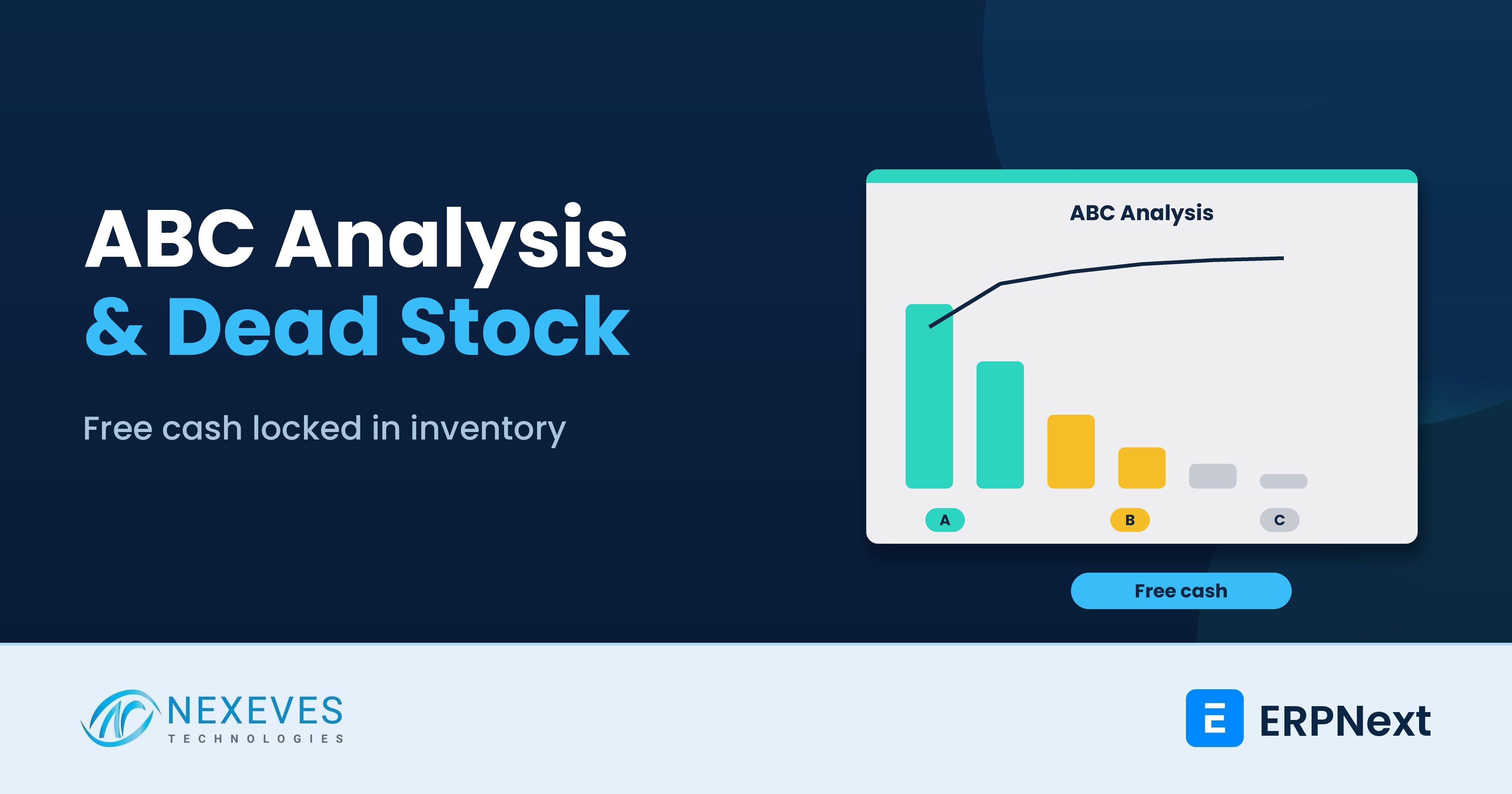
ABC analysis ranks items by their annual usage value, then groups them into A (a few items that account for most of the value), B (a middle group) and C (a long tail of low-value items). It tells you where tight control pays off, and where simple rules are enough. Combined with stock ageing and a calculation of carrying cost, it shows how much cash is locked in slow-moving and dead stock.
This guide walks through the method with a worked example, shows how to extract the data from ERPNext, explains the policies for each class, and covers clearing dead stock properly. We do not quote industry benchmarks. The numbers that matter are your own. For the technical side of reports, read our post on stock ageing, stock balance and performance optimisation.
Key takeaways
- Rank by value, not by count. A small share of items usually drives most of the usage value. Your own data will show the real split.
- ABC alone is not enough: pair it with stock ageing, because a high-value item that has not moved is the most expensive problem on the shelf.
- Carrying cost is real money: capital cost, storage, insurance, handling, shrinkage and obsolescence. Use your own rate, not a borrowed percentage.
- ERPNext does not need a special module for this. We are not aware of a built-in ABC report in the standard product, so use exports and a spreadsheet or a custom report.
Sure there is cash sitting on your shelves?
Send us a stock and sales export. We will run an ABC and ageing analysis in a free 30-minute review and show where the cash is.
Analyse my inventory → WhatsApp us: +91 8089051848
Or email info@nexeves.com
Why inventory ties up so much cash
Stock is a purchase that has not yet become a sale. Every rupee or dirham on the shelf is not in the bank, and it costs money to keep. Over-stocking happens for understandable reasons: a supplier discount for bulk, a fear of stock-outs, a forecast that was too hopeful, an order cancelled by a customer, a product line that changed. The result is an inventory that looks healthy in total but is unbalanced by item.
The fix is not "buy less". It is to treat items differently according to their importance and behaviour, which is exactly what ABC and ageing analysis give you.
Step 1: Gather the data
For each item you need, for the last 12 months:
- Quantity sold or consumed (outgoing stock, including manufacturing consumption).
- Unit cost, using your valuation rate, not the selling price.
- Current stock quantity and value by warehouse.
- Last movement date and the age of the stock.
- Supplier lead time and minimum order quantity, if available.
In ERPNext, the Stock Balance, Stock Ledger and Stock Ageing reports provide most of this, and the Report View can export any list to Excel. Sales analytics reports give sales quantities, and the Gross Profit report helps check margin. Clean data matters: duplicate item codes, wrong units of measure and unposted receipts distort the ranking. Our guide on ERPNext inventory control architecture and the inventory management page explain the structure behind these reports.
Step 2: Rank items and assign A, B and C
- Calculate annual usage value = annual quantity used × unit cost.
- Sort items from highest to lowest value.
- Calculate each item's share of the total, and the cumulative share.
- Assign classes. A common convention is A until about 80 percent of cumulative value, B until about 95 percent, and C for the rest. These cut-offs are a convention, not a law, so adjust them to your business.
Here is a worked example with ten items and hypothetical numbers.
| Item | Annual usage value | Share of total | Cumulative share | Class |
|---|---|---|---|---|
| Item 1 | 4,200 | 42% | 42% | A |
| Item 2 | 2,600 | 26% | 68% | A |
| Item 3 | 1,500 | 15% | 83% | A |
| Item 4 | 700 | 7% | 90% | B |
| Item 5 | 400 | 4% | 94% | B |
| Item 6 | 250 | 2% | 96% | B |
| Item 7 | 150 | 2% | 98% | C |
| Item 8 | 100 | 1% | 99% | C |
| Item 9 | 60 | 1% | 100% | C |
| Item 10 | 40 | 0% | 100% | C |
Summarised by class:
| Class | Items | Share of items | Share of value |
|---|---|---|---|
| A | 3 | 30% | 83% |
| B | 3 | 30% | 14% |
| C | 4 | 40% | 4% |
In this small example, a few items carry most of the value, while the last items together barely matter. A real catalogue of hundreds or thousands of items usually has the same shape, but only your export can tell you how steep it is. Do not copy anyone's "20 percent of items cause 80 percent of value" rule. Measure it.
Want the ABC analysis spreadsheet?
Message us and we will send the ABC and carrying-cost template used in this post, ready for your ERPNext export.
Send me the template → WhatsApp us: +91 8089051848
Or email info@nexeves.com
Step 3: Add the second dimension: movement and variability
Value is only half the picture. Add two more cuts:
| Cut | How to calculate | What it tells you |
|---|---|---|
| Stock age | Days since last receipt, or since last movement | Is stock ageing without sales? |
| Days of cover | Current quantity divided by average daily usage | How many days the current stock will last |
| Variability (X, Y, Z) | How much monthly demand varies. X stable, Y moderate, Z erratic | How safe a forecast is |
| Margin contribution | Gross profit by item or item group | Is the item worth the cash it holds? |
An item with 400 days of cover and a stable demand is overstocked. An item with 5 days of cover and erratic demand is a stock-out waiting to happen. The same ABC class can need opposite actions. This is why a single report is never enough.
Step 4: Find the cash in slow and dead stock
Define your own bands. For example: active (moved in the last 90 days), slow (91 to 180 days), very slow (181 to 365 days) and dead (more than 365 days, or past expiry or end of life). Choose bands that match your trade, since fashion and spare parts age differently. Then total the stock value in each band.
Next estimate what it costs to hold. The formula is simple:
Annual carrying cost = Average inventory value x Carrying cost rate

Carrying cost rate = Cost of capital
                   + Storage and handling
                   + Insurance
                   + Shrinkage, damage and expiry
                   + Obsolescence risk
Compute each part from your own books. For illustration only, if your all-in rate were 20 percent (a hypothetical figure), holding stock worth 50 lakh for a year would cost about 10 lakh, before any markdown on the stock itself. That is why stock that has not moved is never free.
Two more metrics help a manager track progress:
| Metric | Formula | Reading |
|---|---|---|
| Inventory turnover | Cost of goods sold / average inventory value | Higher means stock converts to sales faster |
| Days inventory outstanding | 365 / inventory turnover | Days the average stock sits before sale |
| GMROI | Gross margin / average inventory cost | Gross margin earned per unit of inventory investment |
Days inventory outstanding is one leg of the cash conversion cycle, which links stock to receivables and payables. We cover it in our guide on the cash flow visibility with ERPNext.
Step 5: Set different rules for each class
| Class | Control level | Policy ideas |
|---|---|---|
| A | Tight | Frequent review (weekly), accurate forecasts, small and frequent orders, tight safety stock, cycle counts monthly, negotiated supplier terms, no excess |
| B | Moderate | Monthly review, reorder levels and auto Material Requests, quarterly cycle counts |
| C | Loose | Simple rules: larger order quantity or two-bin system, annual or half-yearly count, avoid wasting management time. Beware stock-outs of cheap but critical items |
| Dead stock (any class) | Decision needed | Stop reordering, mark as discontinued, then sell, return, rework or write off |
In ERPNext, use reorder levels and automatic Material Requests for B and C items, and review A items with the planner. See smart inventory management strategies for the setup. Remember that supplier terms matter: if a supplier needs a minimum order that creates a year of stock, that cost belongs in the buying decision, not as a surprise later. The landed cost voucher shows the true cost of imported items, which changes the ranking.
Step 6: Clear dead stock the right way
- Confirm it is really dead. Physically verify, and check for items in the wrong warehouse or wrong item code. A stock reconciliation often reveals phantom stock.
- Look for the cheapest exit first: return to supplier, transfer to a branch where it sells, bundle with fast movers, sell to a trader or an online channel, or use it as a free add-on.
- Price the clearance using cost, not list price, and weigh the cash released against the margin lost. Do not let a clearance sale damage normal customers' prices.
- Write off what cannot be sold. In ERPNext, a stock entry of type Material Issue to an expense account, or a stock reconciliation, reduces the quantity and posts the loss. Keep approval records. Tax effects, such as reversal of input tax credit on written-off goods in India, depend on your facts, so consult your accountant first.
- Fix the cause. Over-ordering, a supplier minimum, a lost customer or a design change. Otherwise the dead stock refills.
A 30-day plan
| Week | Action |
|---|---|
| 1 | Export 12 months of stock movement and current balances. Clean item codes and units |
| 2 | Run ABC ranking, ageing bands and days of cover. List the top 20 slow or dead items by value |
| 3 | Review those items with purchasing and sales. Decide: sell, return, transfer, write off, keep |
| 4 | Set reorder rules by class, schedule monthly reviews, and add the key reports to a dashboard. See our guide to building dashboards |
Track the cash released month by month, and compare it with your cost of capital. This gives you the kind of evidence needed in an ERP business case.
Common mistakes
- Ranking by selling price or quantity instead of usage value at cost.
- Treating all C items as unimportant. A low-value part that stops a production line is critical.
- Using last year's data for a product that has changed or a new product with little history.
- Ignoring seasonality. Review twelve months, and note seasonal items separately.
- Clearing stock without fixing the buying rule that created it.
How Nexeves helps
We set up stock reports, ABC and ageing views, reorder levels and approval flows in ERPNext, and we run a one-off analysis on your data when you need it. See our ERPNext implementation approach, or contact us through the contact page.
Frequently asked questions
What is ABC analysis in inventory management?
ABC analysis ranks items by annual usage value and groups them into A (a few items with most of the value), B (a middle group) and C (many items with little value). It helps you apply tight control to A items and simple rules to C items.
Does ERPNext have an ABC analysis report?
We are not aware of a built-in ABC report in the standard product. You can export stock and sales data from ERPNext reports, rank items in a spreadsheet, or have a developer build a custom report. Check your version, because reports change.
How do I find dead stock in ERPNext?
Use the Stock Ageing and Stock Ledger reports to find items with no recent movement, then verify them physically. Define dead stock bands that match your trade, such as no movement for 365 days or past expiry.
How do I calculate inventory carrying cost?
Multiply average inventory value by a carrying cost rate that adds cost of capital, storage and handling, insurance, shrinkage and obsolescence. Use rates from your own books rather than a generic percentage.
What are good ABC cut-offs?
A common convention is class A until about 80 percent of cumulative value, B until about 95 percent and C for the rest. It is a convention, so adjust it to your catalogue and business.
How often should I run ABC analysis?
Many businesses review it quarterly and refresh the ageing report monthly. Fast-moving or seasonal trades may need a shorter cycle.
Turn slow stock into working capital
Nexeves sets up stock reports, reorder rules and clearance workflows in ERPNext for traders, distributors and manufacturers in India and the GCC.
Book my free stock review → WhatsApp us: +91 8089051848
Or email info@nexeves.com
Nexeves serves India & the GCC: UAE (Dubai, Abu Dhabi), Saudi Arabia (Riyadh, Jeddah), Qatar (Doha), Kuwait, Bahrain and Oman (Muscat).


No comments yet. Login to start a new discussion Start a new discussion