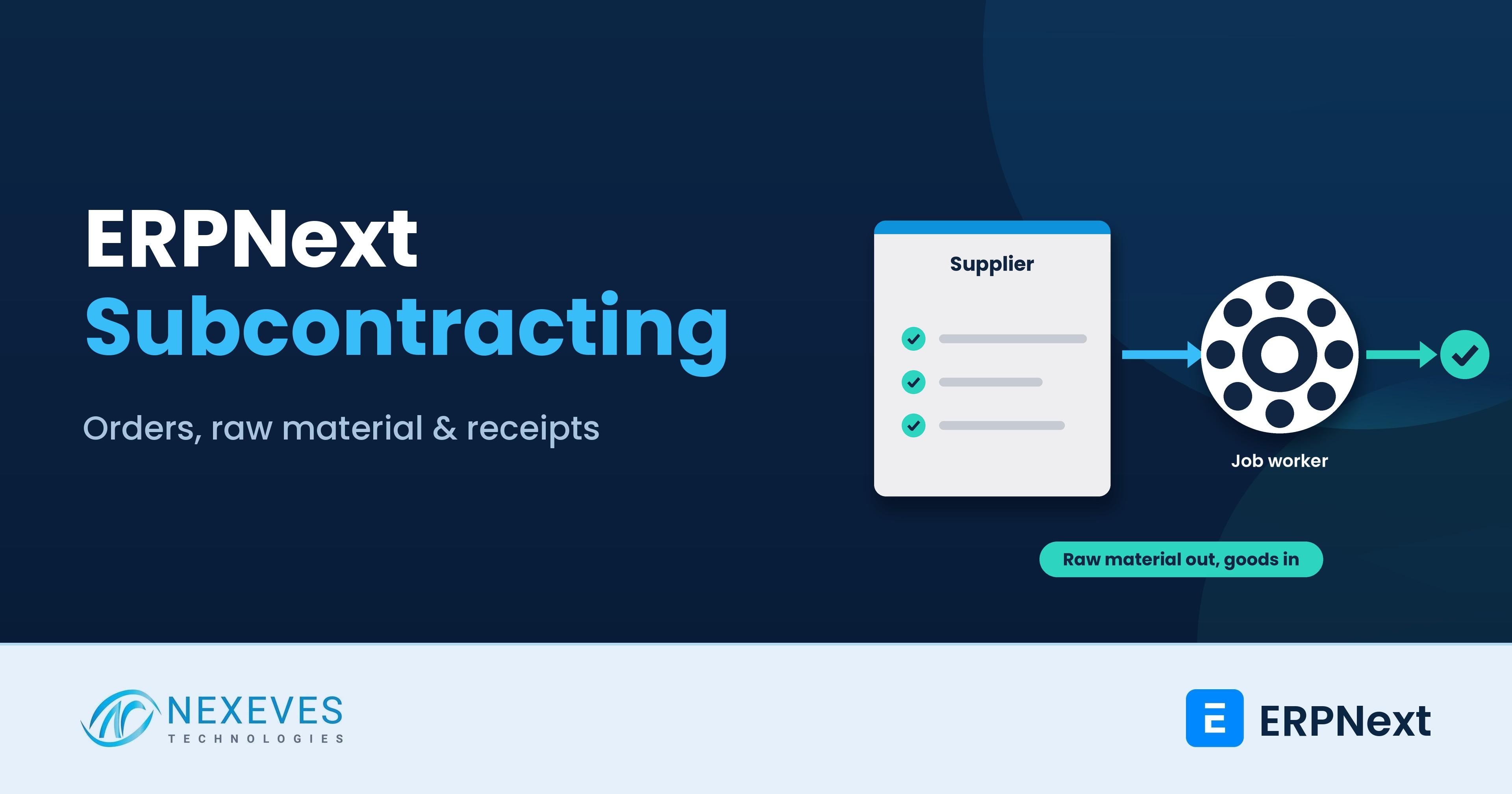
Many manufacturers do not do every step in their own factory. You send cut metal to a powder-coating unit, fabric to a stitching contractor, or components to an assembler, and you take the finished goods back. The raw material is still yours while it sits at the vendor, so it must stay in your stock records, and the vendor's charge must become part of the finished item's cost. This is subcontracting, also called job work, and ERPNext has a dedicated set of documents for it.
This guide walks through the standard flow from the ERPNext documentation, step by step, with an illustrative costing example, the v16 changes, and the mistakes we see most often. It is written for production managers, purchase teams and ERPNext administrators. For the wider manufacturing picture, read our posts on ERPNext manufacturing in Kerala and bill of materials in ERPNext.
Key takeaways
- The flow is: subcontracted Purchase Order, Subcontracting Order, Send to Subcontractor stock entry, then Subcontracting Receipt.
- The vendor charge is a service item. ERPNext adds the raw material cost to it when you receive the finished item, so the valuation is complete.
- Stock and ledger update on the Subcontracting Receipt, not on the Purchase Receipt created from the purchase order.
- Version 16 adds stock reservation for supplied material, several subcontracting orders from one purchase order, and landed cost vouchers on receipts.
Sending material to job workers and losing track of it?
Book a free 30-minute walkthrough. We will follow one job from raw material transfer to finished goods receipt and cost.
Show me subcontracting → WhatsApp us: +91 8089051848
Or email info@nexeves.com
When to use ERPNext subcontracting
Use it when you supply the raw materials and the vendor supplies the labour, for example coating, stitching, machining, assembly, printing or packing. If the vendor buys the material and sells you the finished item, that is a normal purchase and does not need subcontracting. If you receive material from a customer and make goods for them, that is inward subcontracting, covered at the end of this post.
Step 1: Set up the masters
- Service Item (non-stock). Represents the vendor's charge, for example "Powder Coating Service". Its rate on the order is the agreed processing fee.
- Two stock items: the unprocessed item (for example "Bracket - Raw") and the processed item ("Bracket - Coated").
- A warehouse for the vendor, so stock held at the subcontractor stays visible in your books.
- Enable "Supply Raw Materials for Purchase" on the processed item in the Item master.
- A BOM for the processed item, listing the unprocessed items and any other material you supply as sub-items. If all production is done by the vendor, the BOM has no operations.
According to the ERPNext documentation, you can also create a Subcontracting BOM. It is optional, and it links a service item to a finished item, with a default BOM and a conversion factor. For instance, 1 unit of a "Painting" service produces 2 units of tiles, so the factor is 0.5. With one in place, picking the service item or the finished item on a purchase order fills in the other automatically. There can be only one Subcontracting BOM for any finished item.
Step 2: The subcontracted Purchase Order
Create a Purchase Order for the service item and select the finished item. Tick Is Subcontracted. The rate on the row is the service cost you agreed with the vendor. Save and submit.
Step 3: The Subcontracting Order
From the Purchase Order, choose Create, then Subcontracting Order. On saving, the Raw Materials Supplied table fills from the BOM, and you can set the Reserve Warehouse, which defaults from the BOM or the item. The Subcontracting Order is the control document: it shows what was ordered, what raw material is owed to the vendor and what has been received.
Step 4: Send the raw material
From the Subcontracting Order, choose Transfer, then Material to Supplier. This creates a Stock Entry of type Send to Subcontractor. Set the source and target warehouses, tick From BOM, select the BOM, enter the quantity and click Get Items. The stock moves from your warehouse to the vendor's warehouse, still valued in your books.
Step 5: Receive the finished goods
From the Subcontracting Order, choose Create, then Subcontracting Receipt. Set the Supplier Warehouse (where the raw material sits) and the Accepted Warehouse (where finished goods arrive). Think of it as a backflush: finished goods come in and the raw material is consumed from the vendor's warehouse in one document.
- Consumed Quantity: check this column in the Raw Materials table so that the right quantity is cleared from the vendor's stock.
- Scrap items: these are fetched from the BOM of the finished item, valued at the item's valuation rate or the scrap rate on the BOM.
- Service Expense Account: the service cost is booked to the account set on the service item, or on the receipt. If none is set, the finished item's expense account is used.
- Backflush basis: choose BOM (consume raw material per the BOM, even if no transfer was recorded against the order) or Material Transferred for Subcontract (consume only what was transferred). The second is stricter and usually safer.
If you create a Purchase Receipt from the Purchase Order, it has no effect on the stock ledger or accounting ledger. Both are updated when you submit the Subcontracting Receipt. Purchase taxes and charges still post as normal. If you inspect incoming goods, quality inspection fits at the receipt, as our post on quality inspection workflows explains.
Bring us one job-work process
Describe what you send, what comes back and how you pay. On a free call we will map it to ERPNext items, BOM and documents.
Map my job work → WhatsApp us: +91 8089051848
Or email info@nexeves.com
How costing works (illustrative numbers)
The rate on the processed item in the order is the processing charge only, excluding raw material. ERPNext adds the raw material cost automatically when you receive the finished item. Here is a simple example:
| Cost element | Per unit | Source |
|---|---|---|
| Raw bracket sent to vendor | Rs 80 | Valuation rate of the raw item |
| Coating service charge | Rs 12 | Rate on the subcontracted Purchase Order |
| Finished coated bracket | Rs 92 | Raw material plus service, before any landed cost |
If the vendor's freight or other charges arrive later, add them with a landed cost voucher. In version 16 this works against a Subcontracting Receipt. Our guide to the ERPNext landed cost voucher shows how the distribution works.
Supplier-sourced raw material
Sometimes the vendor buys small items, such as nuts, bolts or paint, themselves. According to the ERPNext documentation, include those items in the BOM with zero value. They will not appear in the Supplied Items of the Subcontracting Order because you do not supply them, and they will be excluded from the transfer stock entry. If the vendor invoices you for them, agree whether the charge goes into the service rate.
What is new in ERPNext v16
- Several Subcontracting Orders from one Purchase Order. You can edit the quantity per finished item, and ERPNext tracks the remaining quantity. This suits large POs delivered in lots.
- Stock reservation. A Reserve Stock option on the Subcontracting Order reserves the raw material so it cannot be used elsewhere. The reservation is used when you send the material with the Send to Subcontractor entry. It is ticked by default when Auto Reserve Stock is enabled in Stock Settings.
- Landed Cost Voucher for Subcontracting Receipts, for freight, excise or similar charges.
- Inward subcontracting, the reverse flow, where a customer sends you material and you manufacture finished goods for them. It was available in version 15 as a manual process and is described by Frappe as more robust in version 16.
For the full v16 picture and upgrade planning, read our ERPNext v16 features and upgrade guide.
India: GST and job work records
Indian job work has its own GST rules for sending goods out, challans and returns. This guide does not interpret them. Ask your CA about the documents and returns your job work requires, and check which job-work reports your India Compliance version provides. Our GST setup guide covers the standard e-invoice and e-way bill setup.
Common subcontracting mistakes
- Putting raw material cost in the service rate. The rate must be processing cost only, or valuation will double count.
- Forgetting "Supply Raw Materials for Purchase" on the processed item, so the raw materials table stays empty.
- Not ticking Consumed Quantity, which leaves stock stuck in the vendor's warehouse forever.
- Using a normal Purchase Receipt and expecting stock to move. Only the Subcontracting Receipt updates stock and ledger.
- Several BOMs for one item without a default, so the wrong BOM is picked on the order.
- Ignoring scrap and shortages. If the vendor returns less than the BOM expects, record scrap and differences, or the vendor warehouse balance will not reconcile.
- No physical check. Compare the vendor-warehouse balance in ERPNext with the vendor's own stock statement every month.
Reports and controls
Review three things weekly: material at each subcontractor (the vendor warehouse balances), orders pending receipt by due date, and raw material still to be sent. Check the stock reports available in your version for subcontracting summaries, and build a simple dashboard if you run many vendors. Our post on inventory control in ERPNext explains the stock ledger behind these balances.
How Nexeves helps manufacturers
We map your job-work process to ERPNext, create items and BOMs, set up vendor warehouses and permissions, test the costing and train your stores and accounts teams. See our ERPNext manufacturing page and our implementation services.
Frequently asked questions
What is subcontracting in ERPNext?
It is a set of documents for sending your raw material to an external party for processing, tracking it in a vendor warehouse and receiving finished goods, with the vendor’s charge added to the item cost.
What is the difference between a Subcontracting Order and a Purchase Order?
The Purchase Order is the commercial order for the service item. The Subcontracting Order, created from it, tracks the raw material supplied and the finished goods ordered and received.
Which document updates stock when goods come back?
The Subcontracting Receipt. A Purchase Receipt created from the same purchase order has no effect on the stock or accounting ledger.
How does ERPNext cost the finished item?
The order rate is the service charge only. When you receive the finished goods, ERPNext adds the valuation of the raw material consumed, giving the full cost of the finished item.
Can I handle freight on subcontracted goods?
In ERPNext version 16 you can create a Landed Cost Voucher against a Subcontracting Receipt to add freight or similar charges to the finished item cost.
What is inward subcontracting?
It is the reverse process, where a customer supplies material and you manufacture finished goods for them. ERPNext v16 makes this flow more robust than in v15, where it was a manual process.
Know where every kilo of material is
Nexeves sets up subcontracting, stock, costing and GST-ready records in ERPNext for manufacturers in India and the GCC.
Book my free manufacturing review → WhatsApp us: +91 8089051848
Or email info@nexeves.com
Nexeves serves India & the GCC: UAE (Dubai, Abu Dhabi), Saudi Arabia (Riyadh, Jeddah), Qatar (Doha), Kuwait, Bahrain and Oman (Muscat).

No comments yet. Login to start a new discussion Start a new discussion