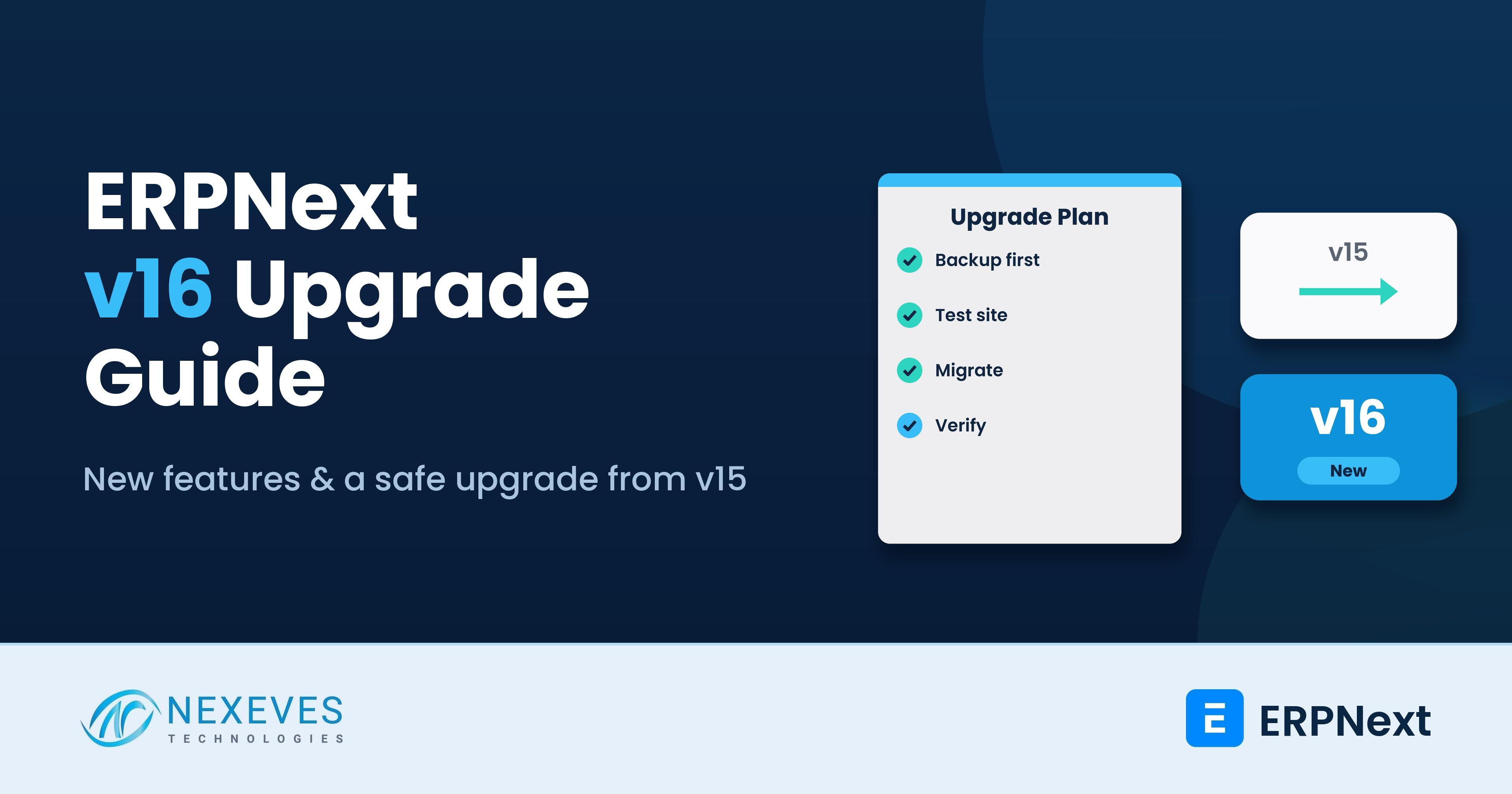
ERPNext v16 was released on 12 January 2026, together with Frappe Framework v16 and Frappe HR v16. It is the first major release in about two years, so the gap between v15 and v16 is bigger than most upgrades you have done before. There is a new desktop-style interface, new manufacturing and accounting features, a newer technology stack, and a list of breaking changes for anyone with custom apps.
This guide is written for the people who actually have to decide: business owners asking "should we move?", and ERPNext administrators and developers asking "what will break?". Everything below comes from the official Frappe release notes, documentation and migration guide, which we link at the end of each section where it helps. We add our own view on timing where it is clearly marked as ours.
If you only need the upgrade process in general, read our guide on how to upgrade Frappe and ERPNext versions safely and our post on ERPNext upgrade strategy. This post is specific to v15 to v16.
Key takeaways
- v16 is stable and supported: Frappe lists v16 support until the end of 2029 (planned) and v15 until the end of 2027 (planned). Version 14 reached end of life on 31 January 2026.
- The stack is newer: Frappe v16 needs Python 3.14, Node.js 24 and MariaDB 11.8, so the server prerequisites change, not just the app.
- Custom apps need a review: the desk URL moves from /app to /desk, some modules moved into separate apps, and a few hooks and APIs behave differently.
- You do not have to rush: if v15 works well and your custom apps are heavy, plan the move for a quiet month, test on a copy first and keep a tested backup.
Running ERPNext v15 and wondering about v16?
Send us your version, apps and hosting. We will tell you in a free 30-minute call whether to upgrade now, wait, or stay on v15.
Plan my v16 upgrade → WhatsApp us: +91 8089051848
Or email info@nexeves.com
What is new in ERPNext v16
Frappe describes v16 as its most stable and secure release yet, with more than 50 new features in ERPNext alone. Here is what matters for a typical business, grouped by area.
User interface and navigation
- New desktop UI: a desktop-style home screen with icons for your workspaces and a persistent sidebar for navigation.
- Refreshed list and form views: saved filters sit at the top of the list, quick filters can be customised by each user, and the awesome bar now opens as a command-palette style search.
- Performance: Frappe states "up to 2x faster performance on most workloads". Treat this as the vendor's figure, since real gains depend on your data and hardware.
Accounting and finance
- Financial Report Templates: Profit and Loss and Balance Sheet become formula-driven, reusable templates, which helps with IFRS-style or country-specific layouts.
- Purchase Expense Booking: costs booked in the purchase cycle so COGS and purchase cost are easier to verify.
- Automatic Closing Stock Posting: for periodic accounting, stock differences post to the ledger from a "Get Balance" action.
- Consolidated Trial Balance: a single view across child companies with currency conversion.
- Refined TDS and enhanced budgeting are listed among the smaller updates, and Payment Requests created from an order or invoice now take their amount from the outstanding amount or payment term.
Manufacturing and stock
- Material Requirements Planning (MRP): a dedicated workflow that uses forecasts, delivery schedules and lead times.
- Inward subcontracting: receive raw material from a customer and manufacture finished goods for them.
- Serial and Batch Traceability report: trace a finished batch back to its raw materials, or forward to the customers it reached.
- Stock reservation for Work Orders and for Subcontracting Orders.
- Landed Cost Vouchers now work against Subcontracting Receipts and against Stock Entries of type Manufacture. Our guide to the ERPNext landed cost voucher covers the voucher itself.
The official feature list is on the Frappe ERPNext v16 page, and the release announcement is on the Frappe blog.
ERPNext v15 vs v16 at a glance
| Area | v15 | v16 |
|---|---|---|
| Python / Node.js | Python 3.10 or newer, Node 18 or newer | Python 3.14, Node 24 |
| MariaDB | 10.6.6 or newer | 11.8 |
| Desk URL | /app | /desk |
| Navigation | Workspaces and the top awesome bar | Desktop screen, persistent sidebar, awesome bar in the sidebar |
| Default list sort | Modified | Creation |
| P&L and Balance Sheet layout | Standard reports | Financial Report Templates |
| Planned end of life (Frappe) | End of 2027 | End of 2029 |
The prerequisites come from the Frappe installation guide and migration wiki. Debian 13 or newer, or Ubuntu 24.04 or newer, is recommended for a fresh server.
Breaking changes that affect custom apps
If your business runs only standard ERPNext, most of this will not touch you. If you have custom apps, server scripts or integrations, ask your developer to check the points below against the official Migrating to version 16 wiki page.
- Desk moved from /app to /desk. Bookmarks, redirects and any links you hard-coded in emails or print formats need updating. The old /apps page is deprecated.
- Standard workspaces reset. If you edited standard workspaces such as Buying or Selling, those edits are lost. Copy them to the clipboard before you migrate.
- Modules moved to separate apps: Energy Points, Newsletter, Backup Integrations and Blog. If you rely on any of them, install the separate app. A site that publishes its blog from Frappe should check this before upgrading.
- Default sort is now creation, not modified, and this also changes the implicit order of
frappe.get_all,get_listanddb.get_value. Any code that relied on "latest modified first" must now say so explicitly. - Some whitelisted methods accept only POST, including
upload_fileand logout. Scripts that call them with GET will fail. - Hooks are stricter:
has_permissionhooks must return True explicitly, document hooks cannot commit the database transaction, and anoverride_doctypeclass must extend the original class. - System Console is available to the Administrator user only unless you grant the permission.
- Report, chart and page JavaScript is now evaluated in its own scope, so code that relied on leaking globals needs fixing.
Our posts on customisation without planning and over-customisation risks explain why a lighter custom layer makes every major upgrade cheaper.
Want a risk check before you touch production?
We review your custom apps and customisations against the official v16 migration notes and give you a written list of what needs changing.
Get my upgrade risk check → WhatsApp us: +91 8089051848
Or email info@nexeves.com
Should you upgrade now or wait?
This section is our opinion, based on the official support dates above.
- Starting a new implementation: start on v16. There is no benefit in building a new system on a version that will be retired sooner.
- On v14: plan the upgrade now. Frappe lists version 14 end of life as 31 January 2026, which has already passed.
- On v15 with mostly standard ERPNext: upgrade when you have a quiet period, ideally before your v15 support window gets short. There is no emergency, since v15 is planned to be supported until the end of 2027.
- On v15 with several custom apps or third-party apps: first check that each app has a v16 release. Frappe CRM and some other Frappe apps list v15 as their stable compatibility branch on the supported-versions page, so verify each app you use before choosing a date.
Frappe also states that its hosted sites will not be forced to upgrade automatically for at least six months after release. That is a hosting statement, not a reason to leave a self-hosted site on an old version.
A safe v15 to v16 upgrade checklist
- Take a full backup including private and public files, and confirm you can restore it. Our backup and restore guide shows the bench commands.
- Clone production to a staging server with the same apps and data. Never run the first upgrade on live data.
- Inventory your apps. List every installed app and customisation: custom apps, India Compliance, HRMS, payments, WhatsApp, and so on. Confirm a v16-compatible release of each.
- Prepare the server: Python 3.14, Node 24, MariaDB 11.8, Redis or Valkey 6 or newer, Yarn 1.22 or newer. Frappe recommends installing Python with uv and Node with nvm.
- Switch branches and migrate on staging. A major upgrade uses
bench switch-to-branch version-16for frappe, erpnext and the other apps, then a migrate. Follow the official wiki for the exact steps for your setup, because the details depend on how bench was installed. - Test the business flows, not just that the site opens: quotation to invoice, purchase to payment, stock entry, payroll, key reports, print formats and integrations.
- Fix custom code against the breaking-changes list, rerun the tests, and have the key users sign off.
- Schedule the cut-over in a low-activity window, freeze entries, back up again, upgrade production, and keep the old backup ready for a rollback.
- Train the team. The new desktop and sidebar change where people click, so a short walkthrough prevents a week of "where did it go?" messages.
If you host on Frappe Cloud, use their site upgrade flow instead of running bench commands yourself. Our hosting cost comparison explains the options.
What upgrading costs and how long it takes
There is no standard price, and we will not quote a number here. The effort depends on four things: the number of custom apps, how heavily you customised standard DocTypes, how many integrations you run, and how much testing your team can do. A near-standard site is mostly server work and testing. A heavily customised site is mostly code changes. Our post on ERPNext implementation timelines shows how we plan testing phases, and our ERPNext customisation page explains how we keep custom code upgrade-friendly.
How Nexeves helps with v16
We run upgrades for businesses in India and the GCC. A typical engagement starts with a read-only review of your apps and customisations, followed by a staging upgrade, a written list of fixes, and a planned cut-over with support afterwards. If you are still choosing a system, read our ERPNext implementation services page, where new projects start on the current stable version.
Frequently asked questions
When was ERPNext v16 released?
ERPNext, Frappe Framework and Frappe HR version 16 were officially released on 12 January 2026, according to the Frappe release announcement and the GitHub release tags.
What are the system requirements for ERPNext v16?
Frappe v16 needs Python 3.14, Node.js 24, MariaDB 11.8, Redis or Valkey 6 or newer, Yarn 1.22 or newer and pip 25.3 or newer. Debian 13 or newer, or Ubuntu 24.04 or newer, is recommended.
Is ERPNext v15 still supported?
Yes. Frappe lists version 15 as supported until the end of 2027 (planned), and version 16 until the end of 2029 (planned). Version 14 reached end of life on 31 January 2026.
Will my custom apps work on v16?
Many will work with small changes, but you must test. Check the desk URL change, the new default sort order, POST-only methods, stricter hooks and any module that moved to a separate app.
Can I upgrade directly from v14 to v16?
Plan it as a stepped upgrade and test every stage on a staging copy. Because v14 is already out of support and v16 changes the technology stack, ask your implementation partner to plan the route rather than attempting it on production.
Is v16 faster than v15?
Frappe says v16 is up to 2x faster on most workloads. Your real result depends on data volume, hardware and customisation, so measure it on a staging copy of your own site.
Upgrade to v16 without a weekend of firefighting
Nexeves plans and runs ERPNext and Frappe upgrades: backup, staging test, custom app fixes, cut-over and post-upgrade support.
Book my free upgrade call → WhatsApp us: +91 8089051848
Or email info@nexeves.com
Nexeves serves India & the GCC: UAE (Dubai, Abu Dhabi), Saudi Arabia (Riyadh, Jeddah), Qatar (Doha), Kuwait, Bahrain and Oman (Muscat).


No comments yet. Login to start a new discussion Start a new discussion