ERPNext Implementation Timeline: How Long Does It Take, Phase by Phase?
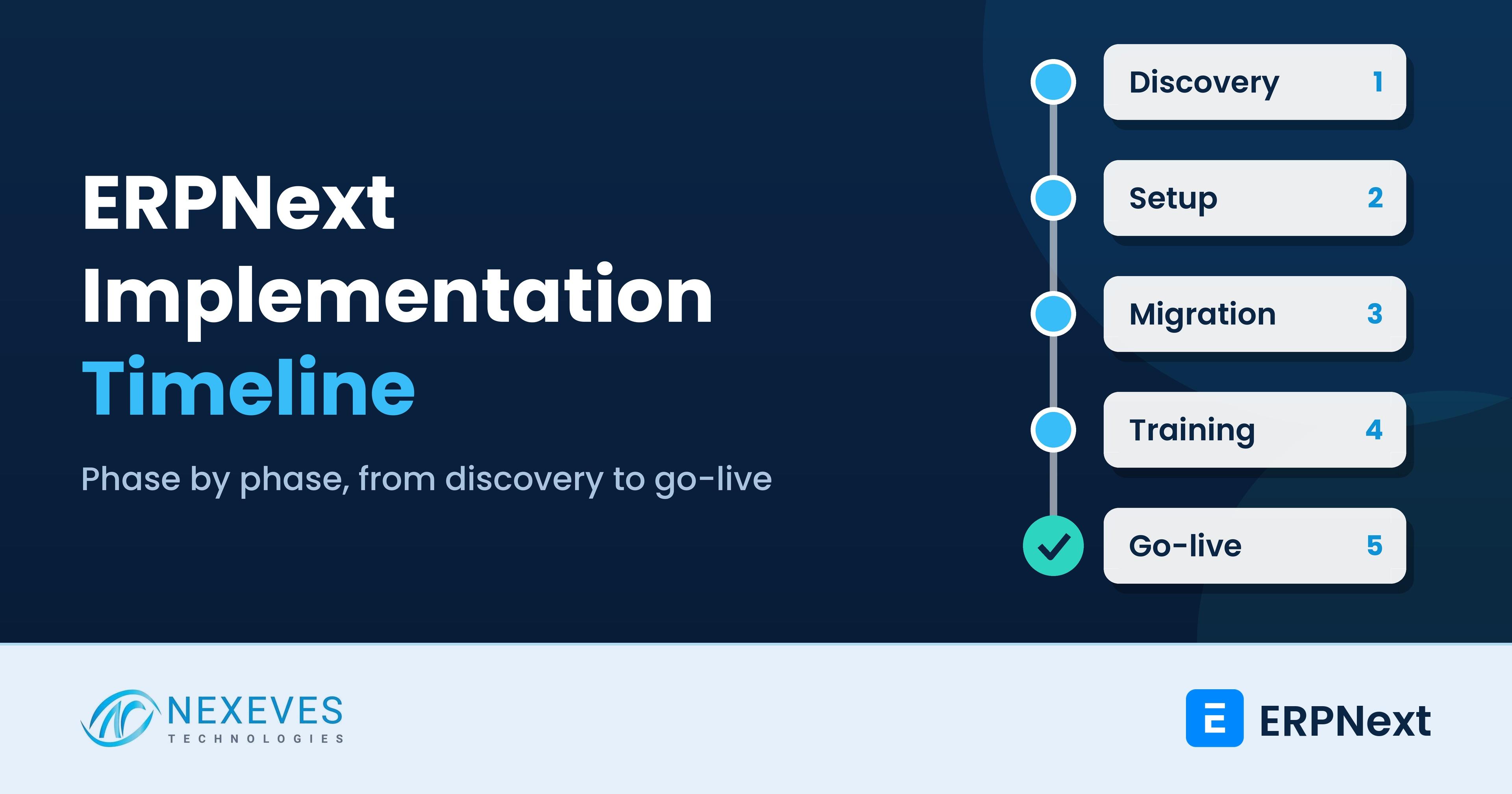
How long does ERPNext implementation take? At Nexeves, a mid-sized business usually goes live in 2–3 months.
Smaller rollouts are typically quicker, and multi-branch or heavily customised projects take longer. The real ERPNext implementation timeline depends less on the software and more on your scope, your data and how fast your team makes decisions.
Who this is for: owners, finance heads and project leads at small and mid-sized businesses in India (including Kozhikode and the rest of Kerala) and the GCC, namely the UAE (Dubai, Abu Dhabi), Saudi Arabia (Riyadh, Jeddah), Qatar (Doha), Kuwait, Bahrain and Oman (Muscat), who are planning an ERPNext rollout.
Key takeaways
- At Nexeves, mid-sized go-lives usually take 2–3 months. Smaller rollouts are quicker, and large or multi-branch projects take longer.
- Market figures vary: published Indian partner guides quote roughly 4–8 weeks for small, two-to-three-module rollouts and up to 10–14 weeks or 3–5 months for multi-location or multi-module projects.
- An ERPNext project runs in six phases: discovery, configuration, customisation and integrations, data migration, training and testing, then go-live and hypercare.
- Clean data, fast decisions and one internal owner shorten timelines more than anything else.
- Phased go-lives (accounts, stock and billing first) get you live sooner and lower risk.
Need a realistic go-live date?
Get a free ERPNext go-live plan. In 30 minutes we look at your modules, branches, data and deadlines, and tell you how long your rollout should take and what could slow it down.
Get my free go-live plan → WhatsApp us: +91 8089051848
Or email info@nexeves.com
ERPNext implementation timeline by project size
Here's what's published in the market, next to what we see at Nexeves. Market figures come from 2026 guides published by Indian ERPNext partners. They aren't Nexeves figures.
| Project type | Typical scope | Published market figures | At Nexeves |
|---|---|---|---|
| Small business | 1–2 locations, accounts, GST/VAT, stock, buying and selling | 4–6 weeks (one partner); 4–8 weeks for 2–3 modules (another) | Typically quicker than a mid-sized go-live |
| Standard / mid-sized | Several modules, multiple users and locations, custom print formats, fuller migration | 6–8 weeks (one partner); 3–5 months for a multi-module mid-sized rollout (another) | Usually 2–3 months |
| Large / multi-branch / customised | Manufacturing, several companies or registrations, integrations, custom apps | 10–14 weeks or longer | Longer, depending on scope |
Published figures differ because partners define "small" and "standard" differently. Compare scope, not just weeks.
The 6 phases of an ERPNext implementation
Every ERPNext project goes through the same phases. Length varies with scope, but the order doesn't.
| Phase | What happens | Your team's job | What slows it down |
|---|---|---|---|
| 1. Discovery and fit-gap | Process walkthroughs, requirements, scope document | Explain how you really work today | Too many people deciding, unclear priorities |
| 2. Configuration | Company, chart of accounts, tax, warehouses, price lists, workflows, print formats | Review and approve setups | Slow sign-offs |
| 3. Customisation and integrations | Custom fields, reports, apps, links to e-commerce, POS, banks or tax systems | Test and accept each change | Scope creep, "make it work like the old system" |
| 4. Data migration | Masters and opening balances from Tally, Excel or old software | Clean data, approve balances | Dirty data, missing balances |
| 5. Training and UAT | Role-wise training, testing with real transactions | Attend, test, report issues | Staff too busy to train |
| 6. Go-live and hypercare | Cut-over, close support in the first weeks | Use ERPNext only, raise issues fast | Running old and new systems side by side too long |
Phase 1: Discovery and fit-gap
Consultants map how you sell, buy, store, produce and account today, then compare it with standard ERPNext. The output is a written scope: modules, reports, print formats, integrations and what's migrated.
This is the cheapest place to save time. Every "must-have" you remove here saves effort later.
Phase 2: Configuration
Most of ERPNext is configured, not coded. This phase sets up companies, the chart of accounts, GST or VAT, warehouses, item groups, pricing, approval workflows, user roles and print formats. If you're on Tally, our ERPNext vs Tally Prime comparison explains what changes.
Phase 3: Customisation and integrations
Only some projects need this. Custom reports, a special approval flow, a WooCommerce or Shopify link, or an integration with a tax system all add time.
Each needs building and testing, and each must be retested at upgrades. Read about the risks of over-customising ERPNext before you add to the list.
Phase 4: Data migration
Customers, suppliers, items and opening balances are imported and reconciled. If you're coming from Tally, follow our Tally to ERPNext migration guide.
Clean data can move quickly. Fifteen years of duplicate ledgers can't.
Have a hard deadline?
A new financial year, an e-invoicing date or a new branch opening? Book a free timeline review and our consultants will map a phased plan that hits your date without cutting corners.
Book my free timeline review → WhatsApp us: +91 8089051848
Or email info@nexeves.com
Phase 5: Training and user acceptance testing
Each role learns the screens they use: billing, stores, purchase, production, accounts and managers. Then users test real scenarios end to end, such as a sales order through to delivery, invoice and payment. Training in the team's own language helps adoption, which is why Nexeves trains in Malayalam and English.
Phase 6: Go-live and hypercare
You pick a cut-over date, ideally the start of a month, quarter or financial year, and move all new work into ERPNext. The first weeks need close support. One published partner guide warns of a two-to-four-week "go-live dip", when the same work takes longer while staff adjust.
Plan for it. See ERPNext best practices for a smooth go-live.
What makes ERPNext implementations take longer
- Slow decisions. Waiting a week for each sign-off adds up fast.
- Dirty data. Duplicates and unreconciled balances turn migration into a project of its own.
- Scope creep. New must-haves after sign-off restart parts of the plan.
- Heavy customisation. Rebuilding your old software inside ERPNext.
- Many integrations. Each link to a website, marketplace, bank, biometric device or tax system is its own mini-project.
- No internal owner. Without one person who can decide for each department, everything waits.
- Low training attendance. Staff who skip training slow down go-live.
How to speed up your ERPNext implementation
- Start standard. Run ERPNext as designed for a few months before asking for changes.
- Go live in phases. Accounts, GST or VAT, stock and billing first. Manufacturing, HR or CRM next.
- Clean data early. Start while configuration is happening, not after.
- Name an ERP champion with authority to decide.
- Fix the cut-over date and work back from it.
- Lock the scope in writing. List every module, report, print format and integration.
Compliance deadlines in India and the GCC
Tax rules can set your deadline for you:
- India: GST e-invoicing applies above ₹5 crore of aggregate turnover. Plan India Compliance setup and testing inside your timeline.
- UAE (Dubai, Abu Dhabi): e-invoicing is mandatory from 1 January 2027 for businesses with revenue of AED 50 million or more, and from 1 July 2027 for others in scope. See our UAE e-invoicing ERPNext checklist and UAE VAT and corporate tax setup guide.
- Saudi Arabia (Riyadh, Jeddah): ZATCA's Wave 25 requires integration by 1 February 2027 for taxpayers above SAR 187,500 of VAT-subject revenue. See our ERPNext ZATCA Phase 2 guide.
- Qatar (Doha), Kuwait, Bahrain and Oman (Muscat): we configure ERPNext to each country's current official rules and build any compliance work into the plan.
How Nexeves plans your timeline
Our team in Kozhikode works with businesses across India and the GCC:
- Free 30-minute fit call to understand scope, data and deadlines.
- Written scope and fixed quote listing every module, report, integration and migration item.
- Phased go-live, starting with what hurts most.
Planning the budget too? Read our ERPNext implementation cost guide, or see our ERPNext implementation services.
Frequently asked questions
How long does ERPNext implementation take?
At Nexeves, a mid-sized business usually goes live in 2–3 months. Smaller rollouts are typically quicker, and large or multi-branch projects take longer, depending on scope. Published Indian partner guides quote about 4–8 weeks for small projects and 10–14 weeks or more for multi-location or customised ones.
What are the phases of an ERPNext implementation?
There are six: discovery and fit-gap, configuration, customisation and integrations, data migration, training and user acceptance testing, then go-live and hypercare. Some projects skip customisation entirely. Phased rollouts repeat the later phases for each new module, such as manufacturing, HR or CRM.
Can ERPNext go live in one month?
For a very small business on standard ERPNext with clean data, a short rollout is possible. One published partner guide quotes 4–6 weeks for small businesses.
Mid-sized businesses should plan for longer. At Nexeves, a mid-sized go-live usually takes 2–3 months, depending on scope.
What delays an ERP implementation the most?
Slow decisions, dirty data and scope creep cause most delays. Heavy customisation, many integrations, low training attendance and having no internal owner also add weeks. Fixing your cut-over date, cleaning data early and locking the scope in writing are the best ways to stay on schedule.
Should we implement all ERPNext modules at once?
Usually not. A phased go-live is faster and safer: start with accounts, GST or VAT, stock and billing, then add manufacturing, HR, CRM or projects once the team trusts the system. Each phase is smaller, easier to test and gets value to the business sooner.
Does e-invoicing affect the ERPNext implementation timeline?
Yes. In India, GST e-invoice setup and testing must fit into the plan. In the UAE, e-invoicing starts on 1 January 2027 for businesses with revenue of AED 50 million or more.
In Saudi Arabia, ZATCA Phase 2 integration needs onboarding and testing. Build these deadlines into your go-live date.
Plan your ERPNext rollout with people who've done it
Book a free ERPNext go-live plan with our team in Kozhikode. We implement ERPNext for traders, retailers, distributors and manufacturers, with training in Malayalam and English.
Book my free go-live plan → WhatsApp us: +91 8089051848
Or email info@nexeves.com
Nexeves serves India & the GCC: Kerala and the rest of India, plus the UAE (Dubai, Abu Dhabi), Saudi Arabia (Riyadh, Jeddah), Qatar (Doha), Kuwait, Bahrain and Oman (Muscat).

No comments yet. Login to start a new discussion Start a new discussion