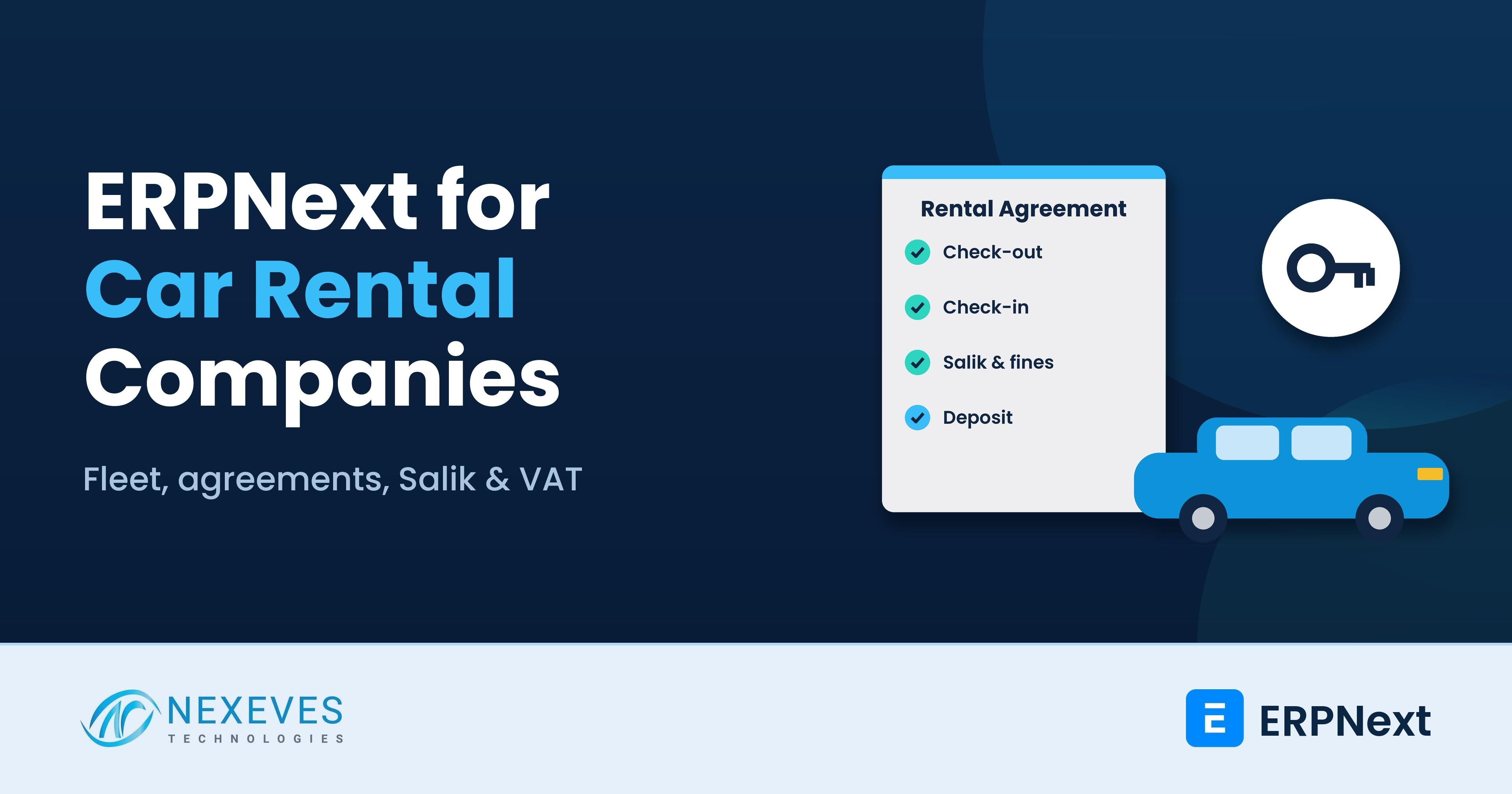
ERPNext for car rental companies connects the two halves of the business that are usually split across tools: the fleet (vehicles, insurance, servicing, depreciation) and the rentals (bookings, agreements, deposits, extra charges and invoices). ERPNext's asset, stock, sales and accounting modules provide the base, and a rental agreement DocType with a few workflows turns it into a rent-a-car system.
Who this is for: owners and operations managers of rent-a-car, chauffeur and corporate leasing companies in the UAE (Dubai, Abu Dhabi, Sharjah), Saudi Arabia, Qatar, Kuwait, Bahrain and Oman, and self-drive rental operators in India.
Key takeaways
- Each car is an asset: purchase cost, depreciation, insurance, registration and service history live on one record.
- Agreements drive billing: check-out and check-in details on the rental agreement create the invoice, including extra km, fuel and damage.
- Tolls and fines are recharged, not forgotten: import toll and traffic fine data and match it to the agreement that had the car.
- Deposits stay visible: security deposits are held as liabilities until they are refunded or adjusted.
Running a rent-a-car or leasing business?
Book a free 30-minute car rental ERP walkthrough. We will show a booking, a rental agreement with check-out and check-in, and the final VAT invoice with Salik and fines on ERPNext.
Show me car rental on ERPNext → WhatsApp us: +91 8089051848
Or email info@nexeves.com
Where rental companies lose money
Car rental margins depend on utilisation and on billing every charge. Common leaks include:
- Idle cars because the booking team cannot see real-time availability across branches.
- Unbilled tolls and fines that arrive weeks later and are never matched to the customer who had the car.
- Damage disputes because check-out photos and fuel and mileage readings were not recorded properly.
- Missed expiries for insurance, registration or permits, which take cars off the road.
- Unclear profit per car because purchase, finance, servicing and rental income sit in different files.
The car rental workflow in ERPNext
| Rental step | How it works in ERPNext |
|---|---|
| Fleet master | Each vehicle as an Asset, with plate, chassis, model, category, branch and documents |
| Rates | Daily, weekly and monthly rates by car category, with seasonal or corporate pricing |
| Booking | A reservation against a car category or a specific vehicle, with dates and pick-up branch |
| Check-out | Rental agreement with driver details, licence, odometer, fuel level, photos and deposit |
| Check-in | Return odometer, fuel, damage notes and photos; extra charges calculated |
| Invoice | Sales Invoice with rental days, extra km, fuel, delivery, tolls, fines and VAT |
| Deposit | Held as a liability; refunded or adjusted against charges |
Fleet as assets
Registering each car as an Asset means ERPNext calculates depreciation, records insurance and registration details, and tracks maintenance and repairs against the vehicle. When you sell a car at the end of its rental life, the sale posts the gain or loss on disposal. The vehicle's profitability report then compares rental income against depreciation, finance cost, servicing and repairs.
Availability and bookings
A booking calendar shows which cars are on rent, reserved, in service or available, by branch and category. Bookings can be made by category ("mid-size SUV") and a specific car assigned at check-out, which is how most rental counters work. Website or partner bookings can be pushed into ERPNext through its REST API.
Rental agreements, check-out and check-in
The rental agreement is a custom DocType built for your contract terms. At check-out it captures the driver and additional drivers, licence and ID details with document copies, the odometer and fuel level, photos of the car, the agreed rate and the deposit. At check-in it captures the return readings and any damage. The system then calculates:
- Rental days or hours, using your grace period rules.
- Extra kilometres above the included allowance.
- Fuel charges if the car is returned below the check-out level.
- Delivery, collection, child seat, additional driver or other add-ons.
- Damage charges, if any, based on your policy.
The agreement can be printed or shared as a PDF in Arabic and English, and long-term leases can be billed monthly with ERPNext's Subscription feature.
Map your rental agreement to ERPNext
Send us a sample rental agreement and invoice. On a free call we will show how each field fits into ERPNext and what needs customisation.
Map my rental process → WhatsApp us: +91 8089051848
Or email info@nexeves.com
Salik, tolls and traffic fines
In the UAE, toll charges such as Salik in Dubai and traffic fines are linked to the vehicle, and they often arrive after the customer has returned the car. In ERPNext you can import the toll or fine statement (for example a CSV export), and a script matches each entry to the rental agreement that had that car at that date and time. Matched charges are added to the customer's invoice or a supplementary invoice, along with your admin fee if your terms allow it. Unmatched entries go to a review list so nothing is missed.
The same approach works for tolls and fines in other GCC countries, as long as you can get the data in a structured file.
Security deposits and card blocks
Deposits are customer money, not income. ERPNext can record them as advances or a separate liability account, linked to the agreement. When the car comes back and charges are confirmed, the deposit is adjusted against the invoice and the balance refunded. If you take card pre-authorisations instead of cash, record the authorisation reference on the agreement so the team knows what can be captured.
Maintenance, insurance and document expiry
- Preventive maintenance: ERPNext's Asset Maintenance feature schedules services by date, and a custom check can add odometer-based schedules.
- Repairs: Asset Repair records repair cost and downtime against the car.
- Expiry alerts: registration, insurance and permit expiry dates trigger email or WhatsApp reminders to the fleet team.
- Spare parts and tyres: stock items issued against repairs, so cost per car is accurate.
VAT and invoicing in the GCC
Rental invoices in the UAE carry 5% VAT, and ERPNext prints compliant tax invoices and prepares the VAT 201 return. Read our ERPNext UAE VAT and corporate tax guide for the setup, and our UAE e-invoicing readiness checklist for the upcoming e-invoicing rules. In Saudi Arabia, ZATCA Phase 2 e-invoicing applies; see our ERPNext ZATCA Phase 2 guide. If your country uses a government rental contract platform, integration needs are assessed case by case.
Corporate and long-term leasing
Corporate clients usually want monthly invoices for many cars, their own purchase order numbers and cost centre details, and credit terms. ERPNext supports customer-specific price lists, credit limits and payment terms, and a consolidated monthly invoice can be generated from all active agreements for the client. Replacement cars during servicing can be recorded on the same agreement.
Reports that matter to a rental business
| Report | Why it matters |
|---|---|
| Fleet utilisation | Days on rent vs available days, by car, category and branch |
| Revenue per car | Rental income against depreciation, servicing and repairs |
| Open agreements | Cars currently out, expected return and overdue returns |
| Unbilled tolls and fines | Charges not yet recovered from customers |
| Deposit register | Deposits held, adjusted and refunded |
| Expiry calendar | Insurance, registration and permit renewals due |
A phased rollout plan
- Fleet and accounts: vehicles as assets, depreciation, VAT and opening balances.
- Agreements and billing: rates, rental agreement DocType, check-out and check-in, invoices and deposits.
- Tolls and fines: import templates and matching rules.
- Maintenance and alerts: service schedules, repairs and expiry reminders.
- Integrations and dashboards: website bookings, payment gateway and management reports.
How Nexeves helps rental companies
We study your agreements, rate cards and fleet records, then configure and customise ERPNext through our ERPNext implementation services. We migrate vehicle and customer data, train counter and fleet staff, and support you after go-live.
Frequently asked questions
Does ERPNext have a car rental module?
Not as a standard module. ERPNext provides assets, stock, sales, subscriptions and accounting, and a car rental setup adds a rental agreement DocType, check-out and check-in workflows, rate rules and print formats.
Can ERPNext track Salik and traffic fines?
Yes, with a customisation. Toll and fine statements can be imported and matched to the rental agreement that had the vehicle at that time, then added to the customer invoice.
How are security deposits handled in ERPNext?
Deposits are recorded as customer advances or a liability linked to the agreement. On return they are adjusted against charges and any balance is refunded, so they never show as income.
Can ERPNext calculate depreciation and profit per car?
Yes. Each car is an Asset with its own depreciation schedule, and rental income, servicing and repair costs are linked to it, so you can see profit per vehicle.
Does ERPNext support VAT for car rentals in the UAE and Saudi Arabia?
Yes. ERPNext produces VAT invoices and the UAE VAT 201 return, and Saudi ZATCA Phase 2 e-invoicing is supported through marketplace apps. Invoices can be bilingual Arabic-English.
Can customers book online and sync to ERPNext?
Yes. Bookings from your website or partner platforms can be created in ERPNext through its REST API, so availability stays up to date.
Put your fleet and rentals on one system
Nexeves implements and customises ERPNext for car rental and leasing companies in the UAE and across the GCC, with training and support after go-live.
Book my free rental demo → WhatsApp us: +91 8089051848
Or email info@nexeves.com
Nexeves serves India & the GCC: UAE (Dubai, Abu Dhabi), Saudi Arabia (Riyadh, Jeddah), Qatar (Doha), Kuwait, Bahrain and Oman (Muscat).


No comments yet. Login to start a new discussion Start a new discussion