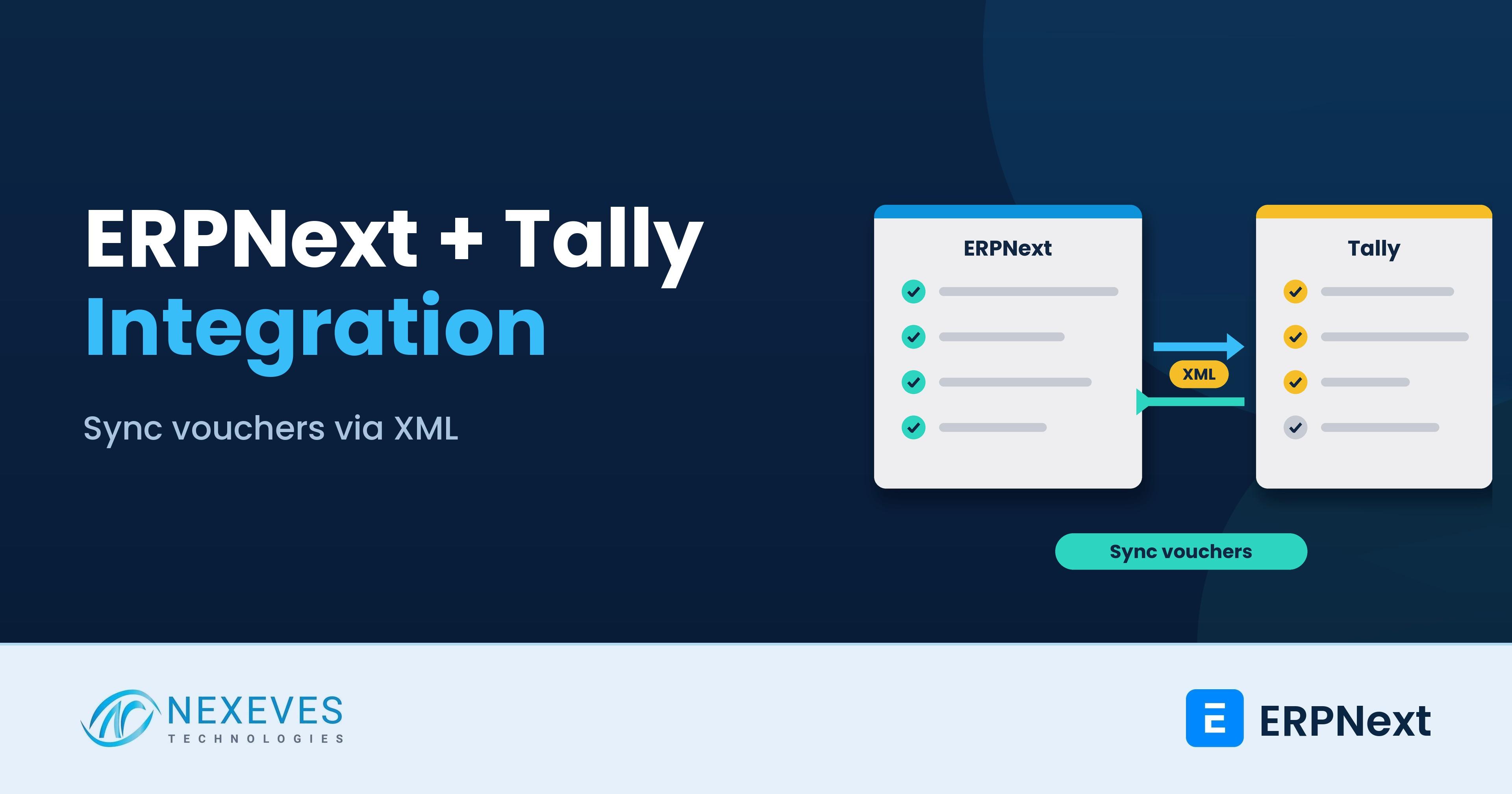
Many Indian businesses want ERPNext for sales, stock, purchase and CRM, but their chartered accountant still wants the books in Tally. That is a reasonable position, and it is the reason the question "can ERPNext integrate with Tally?" is so common. The short answer is yes, in a limited and carefully designed way. This post explains how it works, what a sound design looks like and where it breaks.
You will find three things here: how TallyPrime accepts data from other software, a one-way sync pattern using the ERPNext REST API, and a plain comparison of "sync" against "migrate". It is written for ERPNext administrators, developers and finance heads. If you have already decided to move off Tally, go straight to our Tally to ERPNext migration guide. If you are still comparing the two, read ERPNext vs Tally Prime first.
Key takeaways
- TallyPrime can receive data over HTTP: it acts as a server on a port you choose (for example 9000) and accepts XML requests, with a company loaded.
- Design the sync one-way: ERPNext is the source for invoices and payments, Tally is the books of record for your CA, and each voucher is sent once.
- Tally usually sits on a desktop, so a small connector on the same network or PC does the posting. Never open the Tally port to the internet.
- A sync is a bridge, not a destination. Two sets of books cost time every month, so plan an exit date.
Is your CA asking for everything in Tally?
Book a free 30-minute call. We will tell you whether a one-way sync, a manual import or a full move to ERPNext suits your accounts team.
Discuss Tally and ERPNext → WhatsApp us: +91 8089051848
Or email info@nexeves.com
Why businesses sync ERPNext with Tally
- The CA's workflow: the accountant files GST returns and audits from Tally and does not want to learn a new system.
- A phased move: operations go live on ERPNext first, and accounting moves later.
- A group structure: one branch or sister company already works in Tally.
- Reporting habits: the owner has years of Tally reports and wants them to continue for now.
How TallyPrime accepts data from other software
According to TallyHelp, TallyPrime can communicate with any environment that can send and receive XML over HTTP. Tally acts as an HTTP server that accepts XML requests and returns XML responses. Three conditions apply:
- TallyPrime must be running on a specific port, for example 9000.
- At least one company must be loaded.
- You configure the connection in Exchange, then Data Synchronization, where you set "TallyPrime acts as" (Both, Server, Client or None), whether ODBC is enabled and the port number.
Requests are HTTP POST with a text/xml body. UTF-8 is the default; use UTF-16 when the content has special characters such as the rupee symbol. TallyHelp also lists JSON and ODBC as supported formats, and notes that JSON and ODBC use TDL customisation, so XML is the simplest starting point.
The shape of a voucher import looks like this. It is a simplified skeleton to show the structure, not something to paste into production, because real vouchers need the ledger entries, tax ledgers and GST details your company uses:
<ENVELOPE>
 <HEADER><TALLYREQUEST>Import Data</TALLYREQUEST></HEADER>
 <BODY><IMPORTDATA>
  <REQUESTDESC>
   <REPORTNAME>Vouchers</REPORTNAME>
   <STATICVARIABLES><SVCURRENTCOMPANY>Your Company Name</SVCURRENTCOMPANY></STATICVARIABLES>
  </REQUESTDESC>
  <REQUESTDATA><TALLYMESSAGE xmlns:UDF="TallyUDF">
   <VOUCHER VCHTYPE="Sales" ACTION="Create">
    <DATE>20261101</DATE>
    <VOUCHERTYPENAME>Sales</VOUCHERTYPENAME>
    <VOUCHERNUMBER>SINV-0001</VOUCHERNUMBER>
    <PARTYLEDGERNAME>ABC Traders</PARTYLEDGERNAME>
    <!-- party ledger (debit) and sales ledger (credit) entries go here -->
   </VOUCHER>
  </TALLYMESSAGE></REQUESTDATA>
 </IMPORTDATA></BODY>
</ENVELOPE>
The response from Tally tells you how many vouchers were created, altered or rejected, and carries error text for the rejects. Your connector must read and store that response, because a voucher that Tally rejects will silently go missing otherwise.
The three integration patterns
| Pattern | How it works | Best for | Watch out for |
|---|---|---|---|
| Manual file import | Export a report from ERPNext and import it in Tally using a prepared format | Low volume, month-end hand-off to the CA | Human error, no audit trail, easy to import twice |
| Scripted one-way sync | A connector reads submitted documents from ERPNext through the REST API and posts vouchers to Tally over XML | Daily or hourly sync of sales, purchase and payments | Ledger name mismatches, GST mapping, retries and duplicates |
| Commercial connector | A third-party product maintains the mapping | Teams without developers | Test with a copy company, and check how errors, GST and ERPNext upgrades are handled |
A safe one-way sync design
This is the pattern we recommend when a sync is truly needed. ERPNext is the only place where users create invoices and payments. A connector pushes each submitted document into Tally once.
On the ERPNext side
- Add custom fields to the documents you sync, for example Tally Synced (check), Tally Voucher Reference and Tally Error.
- Create an API user with only the permissions the connector needs, and generate its API key and secret. Frappe accepts the header
Authorization: token api_key:api_secreton the REST API. - Fetch only documents with docstatus 1 (submitted) and Tally Synced not set, in small batches.
On the Tally side
- Run the connector on the same PC or LAN as TallyPrime, so it can reach
http://localhost:9000. Do not publish that port to the internet. - Tally's own documentation lists tunnel-based and secure WebSocket connectivity for cases where the two sides cannot share a network. Review those options with your IT team rather than opening ports.
- Create the masters in Tally first: customers and suppliers as ledgers, sales, purchase and tax ledgers, and stock items if you sync inventory.
The sync loop
import requests

ERP = "https://erp.example.com"
HDR = {"Authorization": "token API_KEY:API_SECRET"}
TALLY = "http://localhost:9000"      # Tally runs on this same PC

# 1. Pull submitted invoices not yet sent to Tally
r = requests.get(f"{ERP}/api/resource/Sales Invoice", headers=HDR, params={
    "filters": '[["docstatus","=",1],["custom_tally_synced","=",0]]',
    "fields": '["name","posting_date","customer","grand_total"]',
    "limit_page_length": 50})
for inv in r.json()["data"]:
    xml = build_sales_voucher(inv["name"])          # your mapping function
    t = requests.post(TALLY, data=xml.encode("utf-16"),
                      headers={"Content-Type": "text/xml; charset=utf-16"})
    if "<CREATED>1</CREATED>" in t.text:
        # 2. Mark as synced so it is never sent twice
        requests.put(f"{ERP}/api/resource/Sales Invoice/{inv['name']}",
                     headers=HDR, json={"custom_tally_synced": 1})
    else:
        log_error(inv["name"], t.text)             # keep the Tally error text
The sketch shows the idea: read from ERPNext, post to Tally, mark as synced only when Tally confirms. In a real build you add logging, retries, a lock so two runs never overlap, and an alert when errors pile up. Our post on how ERPNext handles API integrations covers authentication and rate limits in more depth.
Send us a sample sales and purchase voucher from Tally
With your ledger list and one voucher of each type, we can give you a free written view of what can sync, what needs mapping and what to watch for.
Review my Tally vouchers → WhatsApp us: +91 8089051848
Or email info@nexeves.com
Mapping ERPNext documents to Tally vouchers
| ERPNext | Tally |
|---|---|
| Sales Invoice | Sales voucher, with party ledger, sales ledger and GST ledgers |
| Purchase Invoice | Purchase voucher, with the tax and TDS ledgers you use |
| Payment Entry (Receive) | Receipt voucher |
| Payment Entry (Pay) | Payment voucher |
| Sales Return / Debit Note | Credit Note or Debit Note voucher |
| Journal Entry | Journal voucher |
| Customer / Supplier | Ledger under Sundry Debtors or Sundry Creditors |
| Item | Stock Item, if you sync inventory |
The hardest part is rarely the XML. It is agreeing one name for every ledger on both sides, and deciding where each ERPNext tax account lands in Tally. Build a mapping table, have your CA approve it, and keep it under version control.
GST, TDS and other traps
- GST ledgers: Tally vouchers carry GST details through ledgers and registration information. Test intra-state, inter-state, reverse charge and exempt cases with sample invoices.
- TDS and rounding: a one-paisa difference in rounding between systems will make Tally reject or misstate a voucher. Agree rounding rules early. Our ERPNext TDS setup guide shows how TDS is calculated on the ERPNext side.
- Editing after sync: if a user cancels or amends an invoice in ERPNext after it reached Tally, your connector must handle it. The simplest policy is to block cancellation of synced documents and require a credit note instead.
- Backdated entries: a voucher dated in a closed or locked period can be refused by Tally.
- Two-way sync: avoid it. If users enter vouchers in both systems, you will chase conflicts forever. Choose a source of truth for each document type.
- Character encoding: names with special characters can break XML. Use UTF-16 where needed and test with real customer names.
Our ERPNext GST setup guide explains how invoices, e-invoice and e-way bills are generated on the ERPNext side, which determines what you send to Tally.
Reconcile every month
Whatever pattern you use, compare the totals of sales, purchases, receipts and payments for the month in both systems before the CA files returns. A simple three-column check (ERPNext total, Tally total, difference) catches a failed batch within weeks instead of at year-end. Keep the connector's error log as part of the month-end file.
Sync or migrate? A straight comparison
| Question | Keep Tally and sync | Move accounting to ERPNext |
|---|---|---|
| Monthly effort | Two systems, a mapping to maintain, reconciliations | One system, one set of reports |
| Risk | Failed or duplicate vouchers, upgrade breakage | One-time migration project |
| Audit trail | Split between the two systems | Complete in one place |
| Best when | The CA will not change yet, or a branch stays on Tally | You want a single source of truth |
Our honest advice is to treat a sync as a bridge of six to twelve months, with a date to retire it, and to see whether your CA is willing to work from ERPNext reports and exports. Many accountants are, once they see the ledgers and GST reports.
How Nexeves helps
We build and maintain ERPNext and Tally bridges, and when the time comes we migrate masters, balances and GST data using the approach in our migration guide. See our ERPNext implementation services and customisation page.
Frequently asked questions
Can ERPNext integrate with Tally?
Yes. TallyPrime accepts XML over HTTP, so a connector can read documents from ERPNext through its REST API and post them to Tally as vouchers. There is no built-in two-way sync in either product.
How do I enable Tally to receive data from other software?
In TallyPrime go to Exchange, then Data Synchronization, set TallyPrime to act as Server or Both, choose a port such as 9000, and keep a company loaded.
Is it safe to expose Tally to the internet?
No. Keep the Tally port on your local network and run the connector next to it. Tally documents tunnel-based and secure WebSocket options for remote connectivity, which should be reviewed with your IT team.
Which ERPNext documents should I sync to Tally?
Most teams start with sales invoices, purchase invoices, receipts and payments, then add credit notes and journals. Sync masters such as ledgers before vouchers.
Should I use a two-way sync?
We advise against it. Pick one source of truth for each document type, normally ERPNext for operations, to avoid conflicts and duplicate entries.
When should I migrate from Tally instead of syncing?
When the double entry and monthly reconciliation cost more than a one-time migration, or when your CA is comfortable working from ERPNext reports. Our migration guide covers masters, balances and GST.
Run operations in ERPNext without upsetting your accountant
Nexeves designs and builds integrations between ERPNext and TallyPrime, or plans a clean migration when running both stops making sense.
Book my free integration call → WhatsApp us: +91 8089051848
Or email info@nexeves.com
Nexeves serves India & the GCC: UAE (Dubai, Abu Dhabi), Saudi Arabia (Riyadh, Jeddah), Qatar (Doha), Kuwait, Bahrain and Oman (Muscat).


No comments yet. Login to start a new discussion Start a new discussion