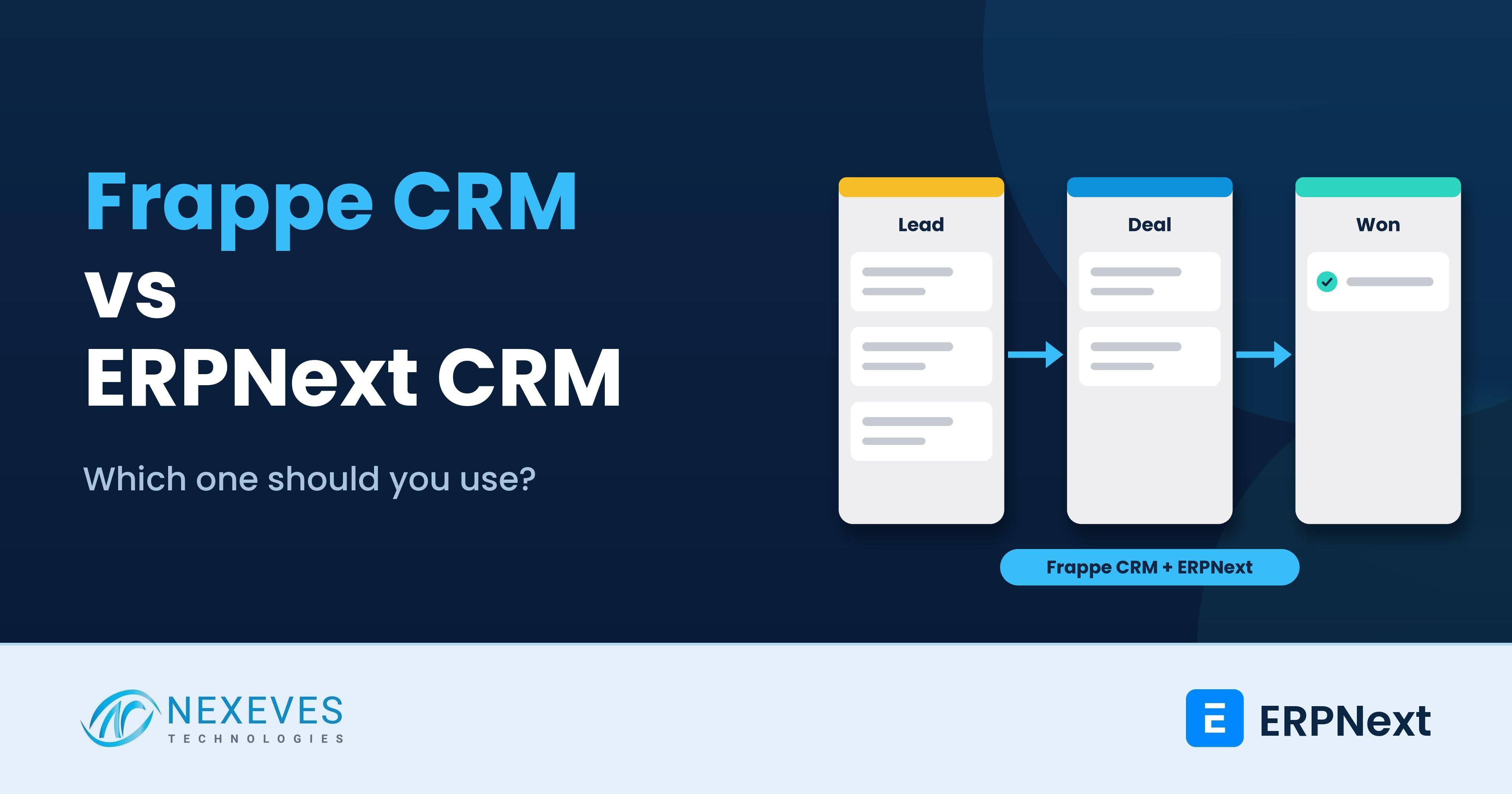
If you search for a CRM for ERPNext in 2026, you will find two names: the CRM module inside ERPNext and a separate product called Frappe CRM. They come from the same ecosystem, share the same framework and are often confused. They are not the same, and one important detail in the current ERPNext documentation changes the advice for anyone starting a new project.
The ERPNext CRM documentation says that, on the develop version, the CRM workspace states that the built-in module is scheduled for deprecation and will be completely removed in version 17, and that Frappe recommends using Frappe CRM instead. If you are starting fresh, that makes the choice clearer. If you already use the built-in module, it tells you to plan.
This guide compares the two honestly, lists what each does, explains how Frappe CRM connects to ERPNext, and gives a decision table. We also show what to inventory before you migrate. Our earlier post on how ERPNext improves customer relationship management describes the module's concepts, and this post updates the picture.
Key takeaways
- Two products: the ERPNext CRM module (Lead, Opportunity, Quotation, Customer inside ERPNext) and Frappe CRM, a separate open-source app with a simpler, modern interface.
- The built-in module is scheduled for removal in v17, according to the ERPNext documentation. Frappe recommends Frappe CRM for new CRM work.
- Frappe CRM works with ERPNext: a quotation can be created from a deal, and a customer is created in ERPNext when the deal is won, per Frappe.
- Check version compatibility before you commit. Confirm which ERPNext and Frappe versions your chosen CRM release supports, and test on staging.
Not sure which CRM to build on?
Tell us your sales process and team size. We will recommend Frappe CRM or the built-in module in a free 30-minute call.
Choose my CRM → WhatsApp us: +91 8089051848
Or email info@nexeves.com
What is the ERPNext CRM module?
It is the pre-sales part of ERPNext. The documentation describes a typical flow: a Lead (an unqualified prospect) becomes an Opportunity (a qualified potential sale with value, probability and stage), then a Quotation, a Customer and a Sales Order. It also includes campaigns, email campaigns, appointments, contacts and addresses, and reports such as Sales Pipeline and CRM Analytics.
Its strength is that CRM and sales transactions sit in one database with the accounts and stock modules. A salesperson can move from enquiry to invoice without leaving the system. Its weakness, which Frappe itself acknowledges by recommending Frappe CRM, is a heavier interface, and a pipeline experience that many sales teams find less friendly than modern CRM tools.
What is Frappe CRM?
Frappe CRM is a separate open-source CRM built on the Frappe Framework. According to Frappe's product page, it offers:
- Lead capture from web forms, email, WhatsApp, Facebook lead ads and phone calls (call logging with Twilio or Exotel connected).
- Lead to deal conversion, with contact and organisation records created on conversion, and company enrichment from the website.
- Emails, calls and WhatsApp messages on every deal, so a colleague can see the history.
- Products and quotations on deals, and with ERPNext, a quotation created directly from the deal.
- Tasks and follow-ups, list, Kanban and grouped views, email templates, forecasting and permissions.
- A dashboard showing won and lost deals, forecast, lead sources and loss reasons.
- Customisation without code for fields and stages, plus deeper customisation through the Frappe Framework.
- A mobile-friendly interface that works in the phone browser and can be added to the home screen.
It is released under AGPL-3.0. Frappe states that it has unlimited users, that you can host on Frappe Cloud or self-host, and that Frappe Cloud pricing for the CRM starts at a few dollars per site per month, billed by usage and varying by site, provider and region. Check the current price on their page, because we do not quote it here.
Side-by-side comparison
| Area | ERPNext CRM module | Frappe CRM |
|---|---|---|
| Where it lives | Inside ERPNext, same site and database | A separate Frappe app, which can run on its own site and connect to ERPNext |
| Future | Scheduled for deprecation and removal in v17 (per ERPNext docs on develop) | The CRM that Frappe recommends |
| Interface | Standard ERPNext desk forms and lists | A simpler, modern deal-focused interface with Kanban |
| WhatsApp, email and calls | Email and communication timeline. WhatsApp and telephony need integrations | WhatsApp, email and call integrations are core features |
| Pipeline | Lead, Opportunity, Sales Stage, reports | Leads, deals, stages, forecasting, dashboard |
| ERPNext handoff | Native: Quotation, Customer and Sales Order records | Connect to ERPNext for quotations and customer creation on a won deal |
| Licence | GPL-3.0 (ERPNext) | AGPL-3.0 |
| Customisation | Custom fields, workflows, server scripts | Custom fields and stages without code, plus Frappe development |
| Best for | Existing users with stable, customised processes | New sales pipelines, telecalling and WhatsApp-heavy sales teams |
The AGPL licence is worth a conversation if you plan to modify the CRM and offer it as a hosted service to others. For internal business use, discuss it with your legal adviser.
Already using ERPNext CRM and worried about version 17?
We inventory your leads, opportunities, custom fields and reports, and plan a tested move to Frappe CRM.
Plan my CRM migration → WhatsApp us: +91 8089051848
Or email info@nexeves.com
How Frappe CRM connects to ERPNext
Frappe says that you can connect Frappe CRM to ERPNext to create quotations from a deal and a customer in ERPNext when the deal is won. In practice, the pattern we recommend is:
- Keep pre-sales activity (leads, calls, WhatsApp, follow-ups, deals) in Frappe CRM.
- Keep transactions (Quotation, Sales Order, Delivery, Invoice, payment) in ERPNext, so accounts and stock stay authoritative.
- Decide the exact moment of handoff, usually "deal won" or "quotation needed", and the owner of the customer master.
- Agree how items and prices in the CRM relate to the ERPNext item master and Price Lists. Our ERPNext API integration guide explains the integration options.
Test the integration on a staging site using your own item list, taxes and customer naming. Mixed versions are a common cause of failures, which leads to the compatibility point below.
Version compatibility: check before you decide
Frappe maintains a supported-versions page, and not every Frappe app supports every framework version at the same time. When we looked at Frappe's version information during research for our ERPNext v16 guide, some apps listed v15 as the stable branch before v16 support. Compatibility changes quickly, so before you design anything:
- List the ERPNext and Frappe version you run, or plan to run.
- Check the release notes of the CRM version for the supported framework version.
- Run a trial on a copy of your site, with the same Python and Node versions as production.
Which should you choose?
| Your situation | Our recommendation |
|---|---|
| New ERPNext implementation, sales team of any size, no CRM data yet | Start with Frappe CRM, and keep quotations onwards in ERPNext |
| Heavy WhatsApp, telecalling or lead-source tracking (education, real estate, B2C services) | Frappe CRM, because those channels are its core |
| Existing ERPNext CRM module with a few custom fields, low volume | Stay for now, but schedule a review before upgrading to v17 |
| Existing module with deep customisation, scripts and reports | Treat it as a project: inventory, map, pilot and migrate, with a rollback plan |
| Only quotation and customer tracking, no pipeline discipline | The built-in Lead and Quotation records may be enough, until you need more |
| A different CRM already in use (for example Zoho or HubSpot) | Do not move without a reason. Integrate it with ERPNext through the API instead |
If you use the ERPNext CRM module today: a migration checklist
- Inventory the data: leads, opportunities, activities, campaigns, contacts and addresses.
- Inventory customisation: custom fields, scripts, workflows, print formats, reports and notifications. List what depends on them.
- Map fields: Lead status and source, Opportunity stage and probability, loss reasons, territories and owners. Decide what is dropped.
- Clean first: merge duplicates, close stale opportunities and standardise sources, then migrate.
- Pilot with one team for two to four weeks, using the imports from CSV or Excel that Frappe CRM supports.
- Plan the cut-over: freeze edits in the old module, import, verify counts and open deals, and keep a backup. Use our backup and restore guide before you start.
- Train the sales team on the new screens, and agree discipline rules: owner, stage, next action, loss reason.
Whatever tool you choose, results depend on data discipline. Our post on building a full customer journey in ERPNext shows the stages that must be tracked from enquiry to feedback.
How Nexeves helps
We implement ERPNext with Frappe CRM, including WhatsApp, email, lead assignment rules and the quotation handoff, and we plan migrations from the built-in module. If you are choosing between systems altogether, compare options in ERPNext vs Zoho, or reach us on the contact page.
Frequently asked questions
Is the ERPNext CRM module being removed?
According to the ERPNext documentation, the develop version states that the CRM module is scheduled for deprecation and will be completely removed in version 17, and that Frappe recommends using Frappe CRM instead. Confirm the latest status on the official page before you plan.
What is the difference between Frappe CRM and ERPNext CRM?
ERPNext CRM is the pre-sales module inside ERPNext (Lead, Opportunity, Quotation). Frappe CRM is a separate open-source app with a simpler deal-focused interface, WhatsApp, email and call integrations, which can connect to ERPNext.
Does Frappe CRM work with ERPNext?
Yes. Frappe states that you can connect it to ERPNext to create quotations from a deal and create a customer in ERPNext when the deal is won. Test the version combination on a staging site first.
Is Frappe CRM free?
The software is open source under AGPL-3.0 and can be self-hosted. Frappe Cloud hosting is paid, and Frappe states that it is billed by usage per site with unlimited users. Check their page for the current price.
Can Frappe CRM capture WhatsApp leads?
Frappe says that once a WhatsApp Business account is connected, a message from a new number creates a lead and the chat is stored on the lead. You need the WhatsApp Business setup and should test it with your own number.
Should an Indian or GCC SME choose Frappe CRM?
For a new sales pipeline, usually yes, particularly where WhatsApp and phone follow-ups drive sales. Keep quotations and invoices in ERPNext for GST or VAT compliance, and test the connection with your tax templates.
A CRM your sales team will actually use
Nexeves implements Frappe CRM and ERPNext, with WhatsApp, email and quotation flows, for sales teams in India and the GCC.
Book my free CRM call → WhatsApp us: +91 8089051848
Or email info@nexeves.com
Nexeves serves India & the GCC: UAE (Dubai, Abu Dhabi), Saudi Arabia (Riyadh, Jeddah), Qatar (Doha), Kuwait, Bahrain and Oman (Muscat).


No comments yet. Login to start a new discussion Start a new discussion