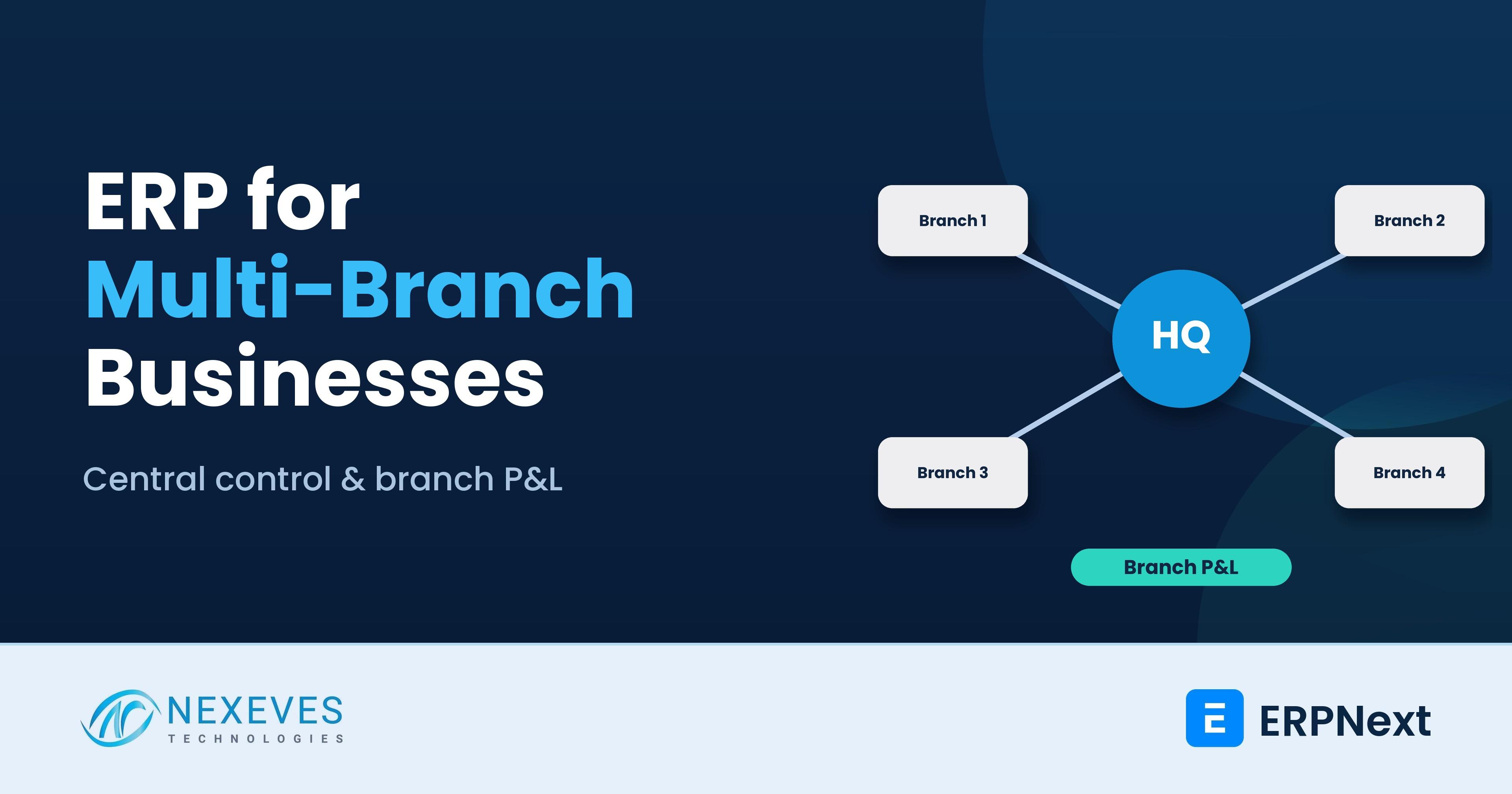
The first branch is easy to run. You know everyone, you see the stock with your own eyes, and you can fix a problem by walking over. By the third or fifth branch, that stops working. Stock is wrong in one place and excess in another, prices differ between shops, the cash from a branch arrives late, and the monthly accounts take two weeks because every location sends its own file.
A multi-branch ERP solves this only if the structure is designed first. The biggest question is not software features. It is how you want to model a branch: as a separate company, a cost center, a warehouse, or a mix. Choose wrongly and you either cannot see branch profit, or you drown in duplicate masters and inter-company entries.
This guide, written from a business analyst's view, covers design choices, control principles, branch-wise profit and loss, stock and cash handling, permissions, tax considerations in India and the GCC, and a rollout plan. We use ERPNext terms, but the thinking applies to any ERP. For the technical side, see our posts on multi-company setup and multi-warehouse transfers.
Key takeaways
- Design the structure before configuring anything. Decide what a branch is: company, cost center, warehouse, price list owner, or all of these.
- Centralise masters and rules, decentralise transactions. Head office owns the item list, price lists and chart of accounts. Branches post their own sales, receipts and transfers.
- Branch profit comes from cost centers, as long as every income and expense line is tagged and shared costs have an allocation rule.
- Legal structure drives the design. Separate GST registrations in India, VAT registrations in the GCC and separate legal entities may need separate companies. Confirm with your tax adviser.
Running several branches on spreadsheets and phone calls?
Tell us about your branches and how they report. We will outline a structure in a free 30-minute call.
Design my branch structure → WhatsApp us: +91 8089051848
Or email info@nexeves.com
What a multi-branch business needs from an ERP
- One version of the truth: items, customers, suppliers and prices maintained centrally.
- Branch autonomy where it helps: billing, receiving, local purchases within limits, cash handling.
- Visibility: stock by branch, sales by branch, branch profit and loss, receivables by branch and consolidated numbers for the owner.
- Control: approvals, discount limits, cash limits and clear transfers between branches.
- Speed: a billing screen that works at the counter, even when the internet is slow.
The core design decision: what is a branch?
| Model | How it works in ERPNext | Choose it when | Watch out for |
|---|---|---|---|
| Branch as a cost center (and warehouse) | One company. Each branch has a cost center tree for P&L, and one or more warehouses for stock | Same legal entity and same tax registration, branches that share a chart of accounts and customers | Branch balance sheets (cash, receivables) need extra discipline, since cost centers analyse P&L most naturally |
| Branch as a separate company | Each branch is a company with its own books, linked by inter-company transactions and consolidation | Separate legal entity or separate tax registration, separate partners or franchisees, different currency | More masters, inter-company entries, consolidation work |
| Hybrid | Companies for each legal entity, cost centers and warehouses for branches inside each | Group with a few entities and many shops | Needs a clear naming standard and a design document |
Our rule of thumb: one company per legal entity or tax registration; one cost center per branch or profit centre; one or more warehouses per physical store. ERPNext supports all three levels. Our guide to financial consolidation for multi-company businesses shows how a group view is produced.
The ERPNext documentation describes cost centers as the way to answer "where did the cost arise and which team, branch, project or business unit is responsible". The cost center is stored on each income and expense row of an invoice, so one document can allocate lines to different cost centers, and reports like the Profit and Loss Statement can be filtered by it. Use accounting dimensions for extra analysis, such as department or region, without creating separate ledger accounts.
Step 1: Agree what is central and what is local
| Area | Head office controls | Branch controls |
|---|---|---|
| Item master and codes | Creates and changes items, naming rules | Requests new items |
| Price lists and discounts | Maintains price lists, sets discount limits | Applies within limits, requests approval above |
| Chart of accounts | Owns it | Posts to it |
| Customers and suppliers | Approves new parties, credit limits | Creates leads, requests accounts |
| Purchasing | Central contracts, approved vendor list | Local purchases up to a value limit |
| Stock | Reorder policy, transfer rules | Receipts, counts, daily adjustments with reasons |
| Cash and banking | Policy and bank accounts | Daily cash handling, deposits, petty cash within limits |
| Staff and roles | Role design, approvals | Day-to-day tasks |
Write this matrix down and have the owner and finance head sign it. It will settle half the arguments you would otherwise have after go-live.
Want to see branch-wise profit every month?
We set up cost centers, warehouses, price lists, permissions and a branch P&L your managers can read without an accountant.
Set up branch reporting → WhatsApp us: +91 8089051848
Or email info@nexeves.com
Step 2: Set up branch-wise profit and loss properly
A branch P&L is only as honest as its tagging and allocation. Decide these before opening balances are loaded:
- Cost center per branch, grouped under regions if you have them, so reports can roll up.
- Direct costs (rent, local salaries, utilities) tagged to the branch cost center at entry.
- Shared costs (head office salaries, central marketing, warehouse rent) allocated by an agreed rule, such as sales share or area. ERPNext has Cost Center Allocation for splitting an amount across cost centers by percentage. Keep unallocated head office cost visible.
- Cost of goods flows from stock valuation, so stock must be accurate by warehouse and linked to the same branch.
- Inter-branch transfers must not create fake profit. Transfer at cost, or at an agreed internal price that is eliminated in consolidation.
Then publish a one-page monthly branch report: sales, gross margin, direct costs, allocated costs, branch profit, stock value, stock ageing, receivables and cash variance. Branch managers act on what they can see. Our guide to creating financial reports in ERPNext shows how to build it.
Step 3: Stock across branches
- One warehouse tree under the company, with a warehouse for each store and a head office or central warehouse.
- Transfers through a document trail: a Stock Entry of type Material Transfer, with a transit step for goods in movement, and a receipt at the other side. Never adjust stock up in one branch and down in another by hand.
- Branch requests through Material Requests that the central warehouse fulfils, which gives you a view of demand by branch.
- Cycle counts by branch and class of item, with variances approved by someone other than the storekeeper. See inventory control architecture.
- Reorder rules by branch, with central review of slow stock. See smart inventory management strategies.
Step 4: Sales, prices and cash at the counter
- POS profiles tie each billing counter to its warehouse, cost center, price list and payment methods. See our posts on POSAwesome retail and POS offers.
- Price lists by branch type, for example airport, mall or city centre, if prices differ, with a central owner.
- Daily closing: compare system cash and card totals with the counted amount, record the variance with a reason, and bank the deposit with a reference. Reconcile weekly with the bank statement. See how ERPNext simplifies daily accounting for the routine.
- Internet resilience: ask any ERP vendor what happens at the counter when the line drops. Test it during your trial, not after go-live.
Step 5: Permissions and approvals
Branch managers should see their branch, not every branch's margins. Use roles for what people can do, and user permissions to restrict which company, warehouse or cost center they can access. Add approval workflows for discounts above a limit, stock write-offs, large purchases and cash differences. Our guides to role and permission management and security settings cover the configuration.
For owners who travel, a remote dashboard on a phone changes the relationship with branches. See remote business management using ERPNext.
Tax and legal structure: involve your adviser early
- India: branches in different states usually need separate GST registrations. Stock transfers between registrations can be treated as supplies under GST rules, with invoices and e-way bills where applicable. ERPNext with the India Compliance app handles GST documents, and a company can use more than one GSTIN through its company addresses. Confirm the design with your CA. See our GST setup guide.
- UAE and wider GCC: VAT registration structure, trade licences per emirate or country, and corporate tax grouping differ. Branches in different countries may need different currencies and tax templates. See UAE VAT and corporate tax in ERPNext and our guide to multi-currency accounting.
- Franchises: a franchisee is usually a separate legal entity. Treat it as a customer or a separate company, with royalty and supply invoices.
We do not give tax advice. Treat these points as questions for your accountant.
Common failures in multi-branch rollouts
| Failure | Cause | Prevention |
|---|---|---|
| Branch P&L nobody trusts | Untagged costs, wrong stock, unexplained allocations | Tag at entry, reconcile stock, publish allocation rules |
| Item master chaos | Each branch creates its own items | Central item creation with an approval step |
| Fake profit on transfers | Transfers recorded as sales | Transfer at cost with proper documents |
| Slow counters | Heavy screens, weak network, no training | Test at the busiest branch hours, train cashiers, plan a fallback |
| Cash leakage | Delayed deposits, no daily closing | Daily closing, deposit references, weekly bank reconciliation |
| Everything goes through head office | No delegated limits | Define branch limits and approvals up front |
A phased rollout plan
- Design (weeks 1 to 2): structure, central versus local matrix, chart of accounts, item and price standards.
- Pilot branch (next phase): choose a typical branch, not the easiest or the hardest. Run it with the full process for a full month-end.
- Fix and standardise: adjust the design from the pilot, update training material.
- Roll out in waves, two or three branches at a time, with a floor support person at each go-live.
- Close the old process, and set up the monthly branch review meeting.
Timelines depend on the number of branches and data cleanliness. See ERPNext implementation timeline for phase planning, and implementation cost in India for cost drivers.
How Nexeves helps
We design branch structures with owners and finance heads, configure ERPNext for retail, distribution and service chains, and train branch staff. See our implementation services and contact us via the contact page.
Frequently asked questions
Should each branch be a separate company in ERPNext?
Only when the branch is a separate legal entity or has a separate tax registration, or when its accounts must be kept apart. Otherwise, one company with a cost center per branch and warehouses per store is simpler and gives branch-wise profit and loss.
How do I get branch-wise profit and loss in ERPNext?
Create a cost center for each branch, tag income and expense lines with it, allocate shared costs by an agreed rule, then filter the Profit and Loss Statement by cost center. Stock must be accurate by warehouse for the cost of goods to be reliable.
How do I transfer stock between branches?
Use a Stock Entry of type Material Transfer between the branch warehouses, ideally with a transit step, and receive it at the destination. In India, transfers between different GST registrations may need GST invoices and e-way bills, so confirm with your CA.
Can branch managers see only their own branch in ERPNext?
Yes. Use roles for the actions allowed and user permissions to restrict access to specific companies, warehouses or cost centers. Test with a real branch manager login.
Can billing work if the internet is down at a branch?
It depends on the POS solution and setup. Ask for an offline or fallback process and test it during evaluation. Plan a backup connection for busy branches.
How long does a multi-branch ERP rollout take?
It depends on the number of branches, data quality and process differences. A design phase and a pilot branch come first, then waves of branches. We estimate from your branch list rather than quoting a fixed time.
Control from head office, speed at the branch
Nexeves implements ERPNext for multi-branch retailers, distributors and service businesses in India and the GCC.
Book my free branch review → WhatsApp us: +91 8089051848
Or email info@nexeves.com
Nexeves serves India & the GCC: UAE (Dubai, Abu Dhabi), Saudi Arabia (Riyadh, Jeddah), Qatar (Doha), Kuwait, Bahrain and Oman (Muscat).


No comments yet. Login to start a new discussion Start a new discussion