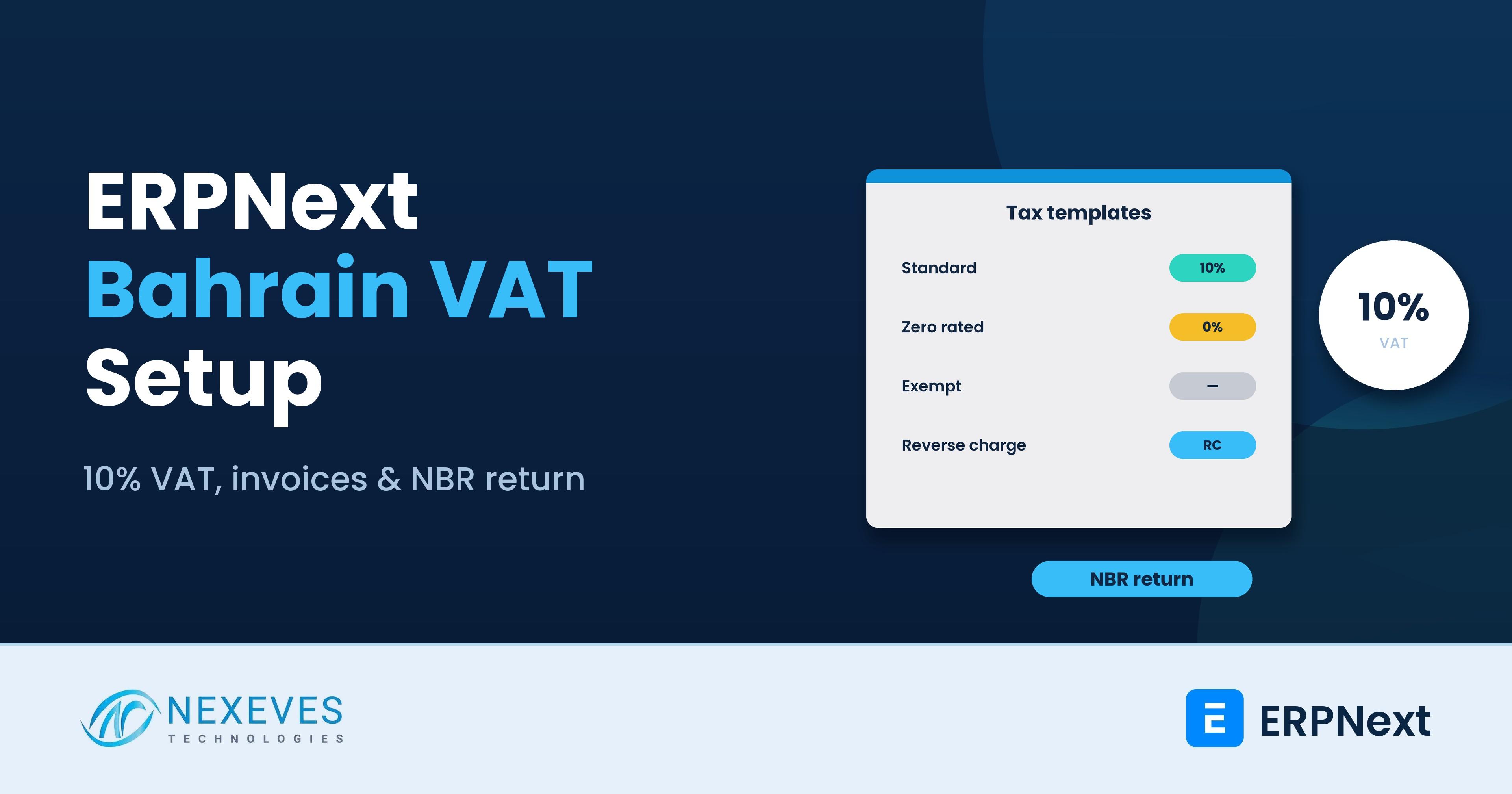
Bahrain is often the second or third GCC country for groups that start in the UAE or Saudi Arabia, and for Indian companies opening a regional office. Its VAT rules follow the GCC framework but differ in rate and detail. ERPNext ships ready-made regional setups for some countries, such as the UAE and Saudi Arabia, but for Bahrain you configure the tax setup yourself.
This guide explains the ERPNext Bahrain VAT setup we use: accounts, templates, tax categories, invoices and a return report that matches what you file on the National Bureau for Revenue (NBR) portal. It is a configuration guide, not tax advice: confirm your treatment of each supply with a Bahrain tax adviser.
Key takeaways
- Key facts: the standard rate is 10% (since 1 January 2022). Registration is mandatory above BHD 37,500 of annual taxable supplies and voluntary above BHD 18,750.
- Returns are quarterly for businesses with annual supplies up to BHD 3 million and monthly above that, due by the last day of the following month, according to the NBR.
- ERPNext needs four kinds of templates: standard-rated, zero-rated, exempt and out of scope, plus reverse charge for imported services.
- A return report built on the tax accounts and item tax templates lets finance fill the NBR return without spreadsheets.
Expanding into Bahrain or already VAT-registered there?
Tell us your supplies and customers. In a free 30-minute call we will outline the ERPNext tax setup and return report you need.
Plan my Bahrain setup → WhatsApp us: +91 8089051848
Or email info@nexeves.com
Bahrain VAT in brief
| Point | Position as published by the NBR (check for updates) |
|---|---|
| Standard rate | 10% from 1 January 2022 (5% before that) |
| Mandatory registration | Annual taxable supplies above BHD 37,500, actual or expected |
| Voluntary registration | Above BHD 18,750 |
| Return frequency | Quarterly if annual supplies are BHD 3 million or less; monthly above that |
| Due date | Return and payment by the last day of the month after the period; nil returns are still required |
| Zero-rated examples | Exports and certain basic food items, healthcare and education supplies, among others listed by the NBR |
| Exempt examples | Certain financial services and certain real estate supplies, among others |
The lists of zero-rated and exempt supplies are detailed, and conditions apply. Ask your adviser to confirm which category each of your products and services falls into before you build templates.
Step 1: Company and chart of accounts
- Create the Bahrain company with currency BHD and country Bahrain. Note that the Bahraini dinar uses three decimal places, so set currency precision accordingly.
- Enter the VAT account number on the company, using a custom field if needed, so it prints on invoices.
- Create tax accounts under Duties and Taxes: Output VAT 10%, Input VAT 10%, VAT Reverse Charge Payable and VAT Reverse Charge Recoverable, and an Import VAT account if your imports need it.
If the Bahrain company sits in a group with UAE or Saudi companies, keep them as separate companies in one site; see multi-company setup in ERPNext.
Step 2: Item tax templates
Item tax templates decide the rate per item, overriding the default. Create:
| Item Tax Template | Rate on Output/Input VAT account | Use for |
|---|---|---|
| Bahrain Standard 10% | 10% | Most goods and services |
| Bahrain Zero Rated | 0% | Zero-rated supplies (input VAT recoverable) |
| Bahrain Exempt | 0% (mark as exempt in reporting) | Exempt supplies (input VAT generally not recoverable) |
| Out of Scope | None | Disbursements and non-business items |
Assign the template on the item or item group, so users never choose the rate manually. Zero-rated and exempt both show 0%, but they are reported differently and affect input VAT recovery differently, which is why they need separate templates. A custom field such as "VAT Category" on the template makes the return report simpler.
Step 3: Sales and purchase taxes templates and tax categories
- Create a Sales Taxes and Charges Template "Bahrain VAT" with the Output VAT account, and a Purchase Taxes and Charges Template with the Input VAT account.
- Create Tax Categories such as "Bahrain Domestic", "GCC Customer" and "Outside GCC", and Tax Rules that pick the right template based on the customer's or supplier's tax category or address. Exports, for example, can default to the zero-rated treatment.
- Store the customer's VAT number on the customer, so it prints on B2B invoices.
The general logic of templates is explained in how taxes are calculated in ERPNext.
Want our Bahrain VAT setup sheet?
We will send the tax template, tax category and return mapping sheet we use for Bahrain companies, for your adviser to review.
Send me the setup sheet → WhatsApp us: +91 8089051848
Or email info@nexeves.com
Step 4: Tax invoice print format
A Bahrain tax invoice must carry the particulars set out in the VAT regulations, such as the words "Tax Invoice", supplier name, address and VAT number, customer details and VAT number where applicable, a sequential number, the date, a description of goods or services, quantities, prices, the VAT rate and the VAT amount. Check the full list and any language requirement with your adviser. We usually build a bilingual Arabic-English Jinja print format so it can serve both local and international customers, and show amounts in BHD with three decimals. If you invoice in another currency, show the VAT amount in BHD as well. See advanced print formats with Jinja.
Step 5: Reverse charge and imports
- Imported services: when a Bahrain VAT-registered business buys services from abroad, it typically accounts for VAT under reverse charge. In ERPNext, use a purchase template that adds the reverse charge payable and recoverable at 10% so the net effect is zero where recovery is allowed, and both sides appear in the return.
- Imported goods: import VAT is generally handled at customs, and the NBR has a deferral arrangement for eligible registered businesses. Record import VAT paid or deferred against the right account, and keep customs documents attached to the purchase. Use a landed cost voucher for duty and freight.
- GCC trade: supplies to and from other GCC states are not yet treated as fully intra-GCC under a live electronic system, so they are usually treated as exports and imports. Confirm current treatment with your adviser.
Step 6: The VAT return report
The NBR return asks for sales and purchases split by category, with the VAT on each. ERPNext does not include a Bahrain-specific return report as standard, so we build a script or query report that groups submitted sales and purchase invoices by the VAT category on their item tax templates and tax accounts:
| Return section (simplified) | ERPNext data |
|---|---|
| Standard-rated sales and output VAT | Sales invoices with the Standard template, Output VAT account |
| Sales to registered customers in other GCC states | Sales invoices by customer tax category |
| Zero-rated domestic sales | Sales with the Zero Rated template, by type |
| Exports | Sales with the Outside GCC tax category |
| Exempt sales | Sales with the Exempt template |
| Standard-rated domestic purchases and input VAT | Purchase invoices with the Input VAT account |
| Imports subject to VAT paid at customs or deferred | Purchases with the Import VAT account |
| Imports subject to reverse charge | Purchases with the reverse charge template |
| Adjustments and corrections | Credit notes, debit notes and journal entries on VAT accounts |
The boxes on the NBR form are the authority; map your report to the current form with your adviser and test it against a manual calculation for one period before relying on it. Then reconcile the report totals to the VAT account balances in the general ledger every period.
Step 7: Monthly or quarterly routine
- Close the period: all sales, purchases, credit notes and imports entered.
- Run the VAT return report and reconcile it to the VAT accounts.
- Review exceptions: invoices without a VAT number for B2B customers, zero-rated sales without export evidence, reverse charge entries.
- File the return on the NBR portal and record the payment with a journal or payment entry that clears the net VAT.
- Lock the period in ERPNext with an accounting period close so it cannot be changed after filing.
Our month-end close checklist fits this routine.
Bahrain within a GCC group
| Country | VAT position (verify current rules) |
|---|---|
| Bahrain | 10% |
| UAE | 5% |
| Saudi Arabia | 15% |
| Qatar | No VAT in force |
| Kuwait | No VAT in force |
For the other countries, see ERPNext for UAE VAT and corporate tax and ZATCA Phase 2 in ERPNext. For choosing a system across the region, read best ERP for small business in the UAE and GCC.
Frequently asked questions
What is the VAT rate in Bahrain?
The standard rate is 10%, in force since 1 January 2022. Some supplies are zero-rated or exempt under conditions set by the NBR.
When must a business register for VAT in Bahrain?
Registration is mandatory when annual taxable supplies exceed, or are expected to exceed, BHD 37,500. Voluntary registration is available above BHD 18,750.
How often are Bahrain VAT returns filed?
Quarterly for businesses with annual supplies of BHD 3 million or less, and monthly above that, with the return and payment due by the last day of the following month.
Does ERPNext have a Bahrain VAT report?
ERPNext does not ship a Bahrain-specific return report as standard. A partner can build a script report that maps invoices and tax accounts to the NBR return sections.
How do I handle zero-rated and exempt supplies in ERPNext?
Create separate item tax templates for zero-rated and exempt supplies, even though both show 0%, because they are reported differently and affect input VAT recovery differently.
Can one ERPNext site run Bahrain, UAE and Saudi companies?
Yes. Each country can be a separate company with its own currency, tax templates, print formats and reports, with consolidated group reporting.
VAT-ready ERPNext for your Bahrain entity
Nexeves Technologies configures ERPNext for companies in Bahrain, the UAE, Saudi Arabia, Qatar and Kuwait, with country tax setups, Arabic print formats and multi-company reporting.
Book a free demo → WhatsApp us: +91 8089051848
Or email info@nexeves.com
Nexeves Technologies serves India & the GCC: UAE (Dubai, Abu Dhabi), Saudi Arabia (Riyadh, Jeddah), Qatar (Doha), Kuwait and Bahrain.

No comments yet. Login to start a new discussion Start a new discussion