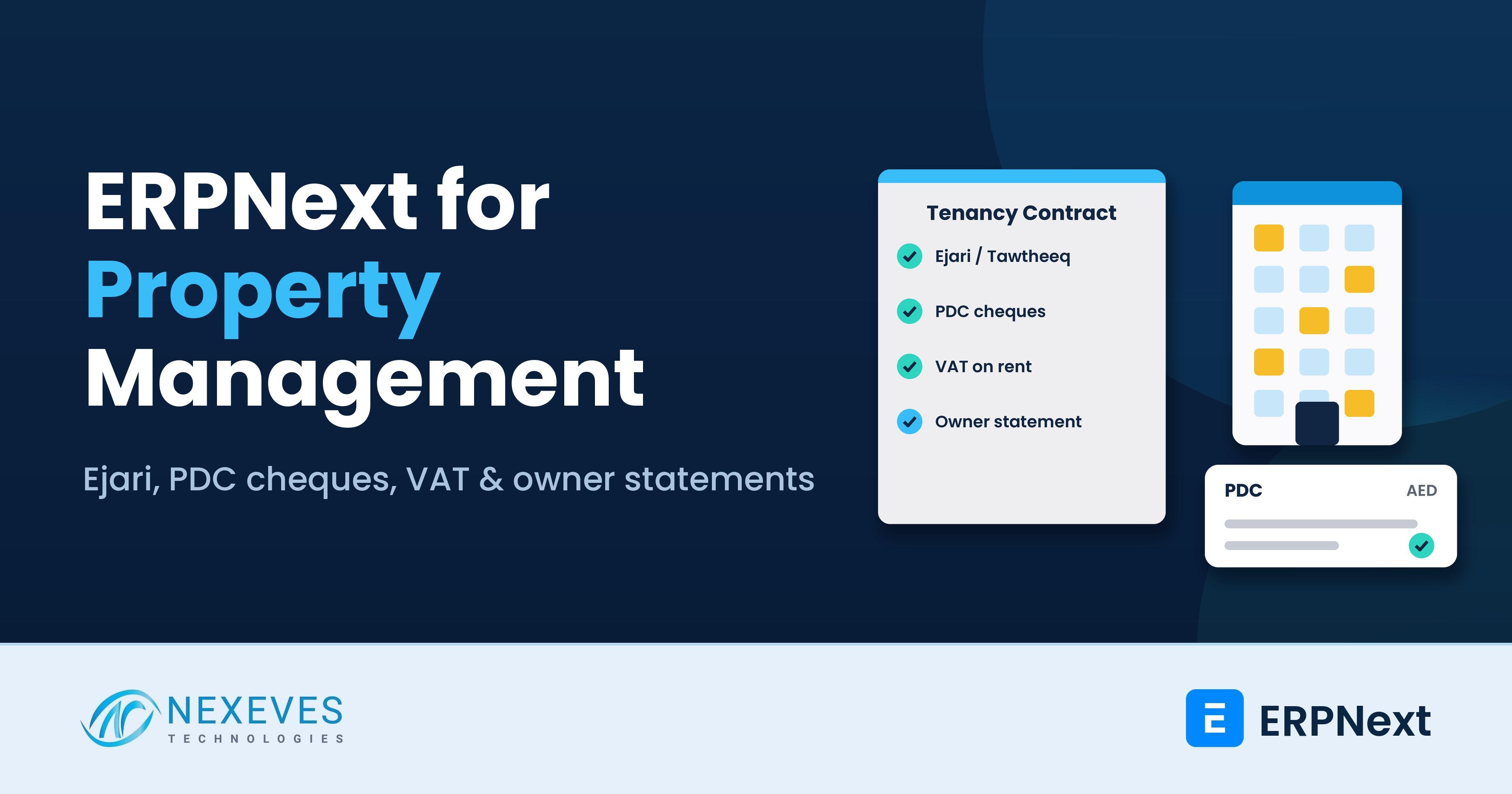
ERPNext property management in the UAE is mostly about handling four things well every day: tenancy contracts and Ejari, post-dated cheques, VAT on rent, and honest reporting to owners. A property management company earns its fee only when rent is collected on time, repairs are closed quickly and each owner receives a correct statement every month. Most firms still run this on Excel and WhatsApp.
This guide follows one real workflow end to end: a lease is signed, rent is invoiced, cheques are collected and banked, a tenant raises a maintenance request, and the owner receives a statement. If you want the general feature overview first, read our posts on property management in ERPNext and ERPNext for real estate. This post adds the UAE-specific details they do not cover.
Who this is for: owners and finance managers of property management, facility and brokerage companies in Dubai, Abu Dhabi, Sharjah and the other emirates, and landlords with a portfolio of residential or commercial units.
Key takeaways
- One lease record drives everything: unit, tenant, owner, rent, cheque dates, deposit and Ejari details sit together.
- Post-dated cheques get a register: every cheque has a date, bank and status, from received to deposited, cleared or bounced.
- VAT follows the unit type: commercial rent is generally taxed at 5% and residential rent is generally exempt, so the tax is set per unit.
- Owners get statements, not excuses: rent collected, expenses, your management fee and the net payout are reported per owner and per month.
Managing buildings for owners in the UAE?
Book a free 30-minute property management walkthrough. We will show one lease from signing to cheque collection, a maintenance request and the owner statement, all on ERPNext.
Show me property management on ERPNext → WhatsApp us: +91 8089051848
Or email info@nexeves.com
Where property management companies lose money
Managing other people's buildings is a detail-heavy business. The leaks are usually small and repeated:
- Missed cheque dates: a cheque sits in a drawer past its date, or is deposited late.
- Unbilled charges: service charges, late fees or repair recharges never reach the tenant invoice.
- Wrong tax: VAT is charged on a residential unit, or left out on a commercial one.
- Slow owner reports: statements take days to prepare, so owners call to ask where their money is.
Step 1: Set up properties, units and owners
ERPNext does not ship a ready-made property module, so we add a few custom DocTypes on top of its standard customers, suppliers, items and accounts. A typical structure looks like this:
| Record | What it holds |
|---|---|
| Property | Building or community name, emirate, location, number of units, cost centre |
| Unit | Unit number, type (residential or commercial), size, furnished or not, current status |
| Owner | Set up as a Supplier, because you owe the owner rent collected less your fee. Bank details and payout terms live here |
| Tenant | Set up as a Customer, with Emirates ID, trade licence and contact details attached |
| Tenancy contract | The lease: unit, tenant, dates, annual rent, number of cheques, deposit and Ejari number |
Using accounting dimensions or cost centres for property and unit lets every invoice, expense and payment carry the unit it belongs to. That single step makes owner statements and unit-wise profit reports possible later.
Step 2: The lease, Ejari and Tawtheeq
Lease registration is compulsory in the UAE to connect utilities. In Dubai, the tenancy contract is registered through Ejari with the Dubai Land Department, and DEWA uses the Ejari number for tenant move-in. In Abu Dhabi, leases are registered in the Tawtheeq system, and other emirates have their own municipality processes. Always confirm current procedures and fees with the relevant authority.
In ERPNext, the tenancy contract record stores the Ejari or Tawtheeq number, registration date and expiry, along with the signed contract PDF. The system then helps you with:
- Expiry reminders at 120, 90 and 60 days before the lease ends, so renewals start early.
- Renewal workflow that copies the old lease, proposes a new rent and routes it for approval.
- Rent increase checks: in Dubai, increases are compared with the RERA rental index, and the record keeps the checked figure and the date.
Step 3: Rent invoicing and the 1-to-12 cheque problem
UAE tenants commonly pay annual rent in one to twelve post-dated cheques. Your system must show what is due, what has been received and what is still a promise. In ERPNext there are two practical patterns:
- One annual invoice with a payment schedule. The Sales Invoice carries payment terms with one instalment per cheque and its due date. With deferred revenue switched on for the rent item, income is recognised month by month across the lease period.
- Monthly invoices through Auto Repeat. A recurring invoice is created each month, which suits long leases and commercial tenants billed monthly.
Service charges, parking, late fees and chargeable repairs are separate items on the same invoice, so nothing is billed from memory.
Bring us your tenancy contract and cheque register
Send a sample tenancy contract and your PDC sheet. On a free call we will show how each field maps to ERPNext and what needs customisation.
Map my lease and cheque process → WhatsApp us: +91 8089051848
Or email info@nexeves.com
Step 4: PDC cheque management
Cheques are the main collection tool in the region, so they deserve their own register. A well-built cheque workflow in ERPNext follows each cheque through these stages:
| Cheque stage | What happens in ERPNext |
|---|---|
| Received | A Payment Entry records the cheque number, bank and cheque date as the reference date. The amount sits in a "PDC in hand" account, not in the bank |
| Due for deposit | A report and a reminder list cheques whose date falls this week, by branch or collector |
| Deposited | A Journal Entry moves the amount from PDC in hand to the bank account with the deposit date |
| Cleared | Bank reconciliation marks it cleared, and the tenant ledger is settled |
| Bounced | The entry is reversed, the invoice reopens, and a bounce fee or replacement cheque is recorded |
On the legal side, UAE rules changed on 2 January 2022. A cheque returned for insufficient funds is generally no longer a criminal offence, and the holder can instead pursue enforcement through the courts, while criminal liability remains for specified fraud and misuse. For a property manager, this makes clean records more important: a dated register of the cheque, the invoice and the bounce notice is the evidence you will need. Take advice from your lawyer on any recovery action.
Step 5: VAT on rent and service charges
The UAE Federal Tax Authority treats property by type. The rent of commercial property is generally subject to 5% VAT, while the rent of an existing residential building is generally exempt. The first supply of a residential building, by sale or lease, within three years of its completion is zero-rated. Each case depends on the facts, and a building with both residential and commercial units needs the treatment set unit by unit.
| Unit or charge | Usual VAT treatment | How to set it up in ERPNext |
|---|---|---|
| Commercial unit rent | 5% standard rate | Item tax template with 5% VAT on the rent item |
| Residential unit rent | Generally exempt | Item tax template for exempt supplies |
| New residential building, first lease within 3 years of completion | Zero-rated | Zero-rated tax template, used for the first supply only |
| Your management fee to the owner | Generally a taxable service at 5% | Standard-rated service item on the owner invoice |
An owner of a non-residential building must register for VAT once taxable supplies exceed AED 375,000 over the previous 12 months or are expected to exceed it in the next 30 days. Landlords who make only exempt supplies do not register on that basis. Check your own position with a UAE tax adviser. Our ERPNext UAE VAT and corporate tax guide explains the VAT 201 setup, and the UAE e-invoicing readiness checklist covers the upcoming e-invoicing changes.
Step 6: Maintenance requests from call to close
Maintenance is where tenants judge you, and where owners see costs. A simple request flow in ERPNext looks like this:
- Request: the tenant calls, emails, or uses a form; the team creates an Issue linked to the unit.
- Triage: category (AC, plumbing, electrical), priority and approver; large jobs wait for owner approval.
- Assignment: an in-house technician or a vendor, with the work order sent by email or WhatsApp.
- Completion: parts used are issued from stock, the vendor bill is booked as a Purchase Invoice against the unit, and photos are attached.
- Recharge: if the tenant is liable, the cost is added to their next invoice. If the owner is liable, it appears on their statement.
Planned maintenance, such as AC servicing or fire system checks, can be scheduled with ERPNext's Asset Maintenance feature, so seasonal jobs appear before they become complaints.
Step 7: Security deposits and move-out
Deposits are held for the tenant, not earned by you. Record them as a liability linked to the lease, in a separate bank account if your arrangements require it. At move-out, a checklist captures unit condition, outstanding rent and repairs, and the deposit is adjusted against these charges before the balance is refunded.
Step 8: The monthly owner statement
The owner statement is the document that proves your value. Built from the same ledger, it lists for each owner and each month:
| Owner statement line | Source in ERPNext |
|---|---|
| Rent collected | Payments received against invoices for that owner’s units |
| Less: maintenance and repairs | Purchase Invoices tagged to that owner’s units |
| Less: service charges and utilities paid | Expense entries tagged by property and unit |
| Less: your management fee | Fee percentage on collected rent, plus 5% VAT where it applies |
| Net payout and balance | Payment Entry to the owner and the running balance |
Because every entry already carries the unit tag, the statement is a report and a print format, not a month-end project. It can be emailed automatically to each owner as a PDF in English and Arabic.
Reports a property manager should check weekly
Five reports cover most of the week: cheques due this week, tenant ledger ageing, lease expiry calendar (renewals due in 120 days), vacancy and lost rent, and open maintenance requests past their target date.
If you also manage property in India
Indian portfolios add their own rules. GST on commercial rent is generally 18%, with reverse charge applying in certain cases, such as an unregistered landlord renting commercial property to a registered tenant. Rent of a residential dwelling for residence is generally exempt. When a company tenant pays rent, it deducts TDS: 10% on land, buildings and furniture, and 2% on machinery and equipment, for rent above Rs 50,000 a month. From 1 April 2026 this sits under section 393(1) of the Income-tax Act, 2025, which replaces the old section 194-I, so check which section codes your accountant uses on returns. In ERPNext, the TDS the tenant deducts is recorded as a receivable when the payment is entered. Read our ERPNext GST setup guide for the invoicing side, and confirm treatment with your CA.
A phased rollout plan
- Masters and opening balances: properties, units, owners, tenants, tenant ledgers and deposits.
- Leases and invoicing: tenancy contract, payment schedules, tax templates and print formats.
- Cheque register: PDC accounts, deposit and bounce workflows, reminders.
- Maintenance: request flow, vendors, recharge to tenant or owner.
- Owner statements and dashboards: statement format, auto email, management reports.
Our guide to ERPNext implementation timelines helps you plan each phase.
How Nexeves helps property management companies
We study your tenancy contract, cheque register and owner statement, then configure and customise ERPNext through our ERPNext implementation services. We migrate unit, tenant and ledger data from Excel, train your leasing, collections and accounts teams, and support you after go-live.
Frequently asked questions
Does ERPNext have a property management module?
Not as a standard module. ERPNext provides accounting, customers, suppliers, invoicing, issues and assets, and a property management setup adds custom records for properties, units and tenancy contracts, plus cheque and owner statement workflows.
Can ERPNext manage post-dated cheques (PDCs)?
Yes, with configuration. Each cheque is recorded with its number, bank and cheque date, held in a PDC account until deposit, then moved to the bank on clearance. Bounced cheques reopen the invoice.
Can ERPNext store Ejari and Tawtheeq details?
Yes. The tenancy contract can hold the Ejari or Tawtheeq number, registration and expiry dates and the signed contract, with reminders before expiry. ERPNext does not file the registration for you.
How is VAT handled on rent in the UAE?
Commercial property rent is generally taxed at 5% and existing residential rent is generally exempt. ERPNext applies the right tax template per unit type, but confirm your own case with a UAE tax adviser.
Can I send owners a monthly statement automatically?
Yes. Because income and expenses are tagged by property and unit, the owner statement is a report and print format that can be emailed as a PDF each month, in English and Arabic.
Does it work for facility management and brokerage companies?
Yes. Maintenance requests, vendor work orders and recharges suit facility management, and commission invoices on lettings and sales suit brokerage. Scope is confirmed during requirement study.
Put leases, cheques and owner reports on one system
Nexeves implements and customises ERPNext for property management and real estate companies in the UAE and across the GCC, with training and support after go-live.
Book my free property demo → WhatsApp us: +91 8089051848
Or email info@nexeves.com
Nexeves serves India & the GCC: UAE (Dubai, Abu Dhabi), Saudi Arabia (Riyadh, Jeddah), Qatar (Doha), Kuwait, Bahrain and Oman (Muscat).


No comments yet. Login to start a new discussion Start a new discussion