Building materials trading looks simple from outside: buy cement, steel, tiles, pipes and fittings, and sell them to contractors and homeowners. Inside, it is one of the hardest trades to run on basic billing software. One product is bought by the tonne and sold by the bag or the kilogram. A single sanitary range has hundreds of codes. Contractors buy on credit for months against a project that may stall. Deliveries go straight from the supplier to a site you have never seen.
This case brief explains what an ERP for a building materials business needs to handle, for traders in Kerala, across India and in the GCC, and how we set it up on ERPNext. It is for owners and managers comparing systems, so it focuses on the trade, the controls and the questions to ask. There are no invented figures or client stories.
Key takeaways
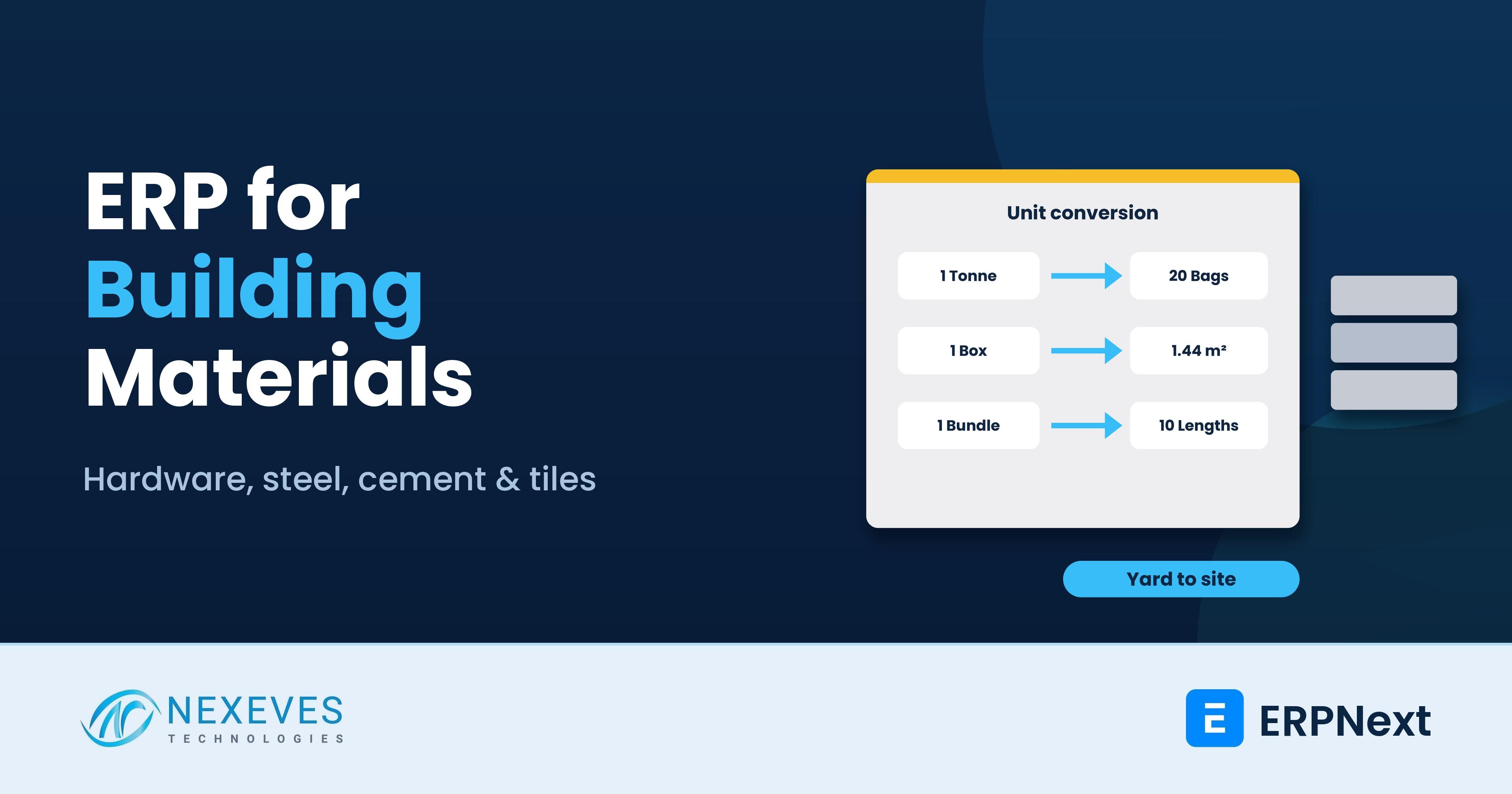
- Units of measure make or break the system. Purchase, stock and sales units must convert reliably, for example tonne to kilogram to bag, or box to square metre.
- Contractor credit is the biggest risk. Credit limits, payment terms, cheque tracking and project-wise outstanding should be in the ERP.
- Direct-to-site delivery must still create the right purchase, sale and stock entries, even when the goods never enter your yard.
- Tax rules vary by product and country: different GST rates by HSN in India, and VAT at 5%, 15% or 10% in the UAE, Saudi Arabia and Bahrain.
Selling in bags, buying in tonnes, counting in pieces?
Tell us your main product lines. In a free 30-minute call we will show how ERPNext handles your units, contractor credit and site deliveries.
Show me my flow → WhatsApp us: +91 8089051848
Or email info@nexeves.com
Who this is for
Owners of cement and steel dealerships, hardware and paint shops, sanitary and tiles showrooms, electrical and plumbing wholesalers, and timber and plywood traders, typically with a showroom, a yard or warehouse, a few salesmen and a mix of walk-in and contractor customers.
Challenge 1: Units of measure and conversions
A hardware trader may buy steel in tonnes, stock it in kilograms and sell it by length or piece. Tiles are bought in boxes, sold in square feet or square metres. Cement is bought in tonnes and sold in bags. Pipes come in bundles and are sold by the length.
In ERPNext each item has a stock UOM and any number of UOM conversion factors. The purchase invoice can be in tonnes, the stock ledger in kilograms and the sales invoice in bags, with valuation calculated correctly. For items like steel where the actual weight varies, you can sell by actual weight and keep the theoretical weight in a field for comparison.
| Product | Purchase unit | Stock unit | Sales unit |
|---|---|---|---|
| Cement | Tonne | Bag | Bag |
| TMT steel bars | Tonne | Kg | Kg or piece |
| Floor tiles | Box | Box | Box or square metre |
| PVC pipes | Bundle | Length | Length |
| Paint | Carton | Tin | Tin or litre |
| Plywood | Bundle | Sheet | Sheet |
Decide the stock unit carefully, because the physical count will be done in that unit. The rule we use: stock in the smallest unit that the yard can actually count.
Challenge 2: Thousands of codes and variants
Sanitary ware, fittings, electrical items and tiles come in brands, sizes, colours and finishes. Use item variants for families with real attributes, like size and colour, and item groups and brands for reporting. A clean item master is the difference between a fast counter and a salesman searching for five minutes. Barcode labels for showroom items help further; see barcode and QR code in ERPNext.
Challenge 3: Contractor credit and project outstanding
Contractors are the best and the riskiest customers. They buy in volume, but they pay when their client pays them. Problems we see:
- No credit limit, so a contractor's outstanding grows with every project.
- Payments are not linked to specific invoices, so nobody knows which project is overdue.
- Post-dated cheques are kept in a drawer, with no reminder before they mature.
- Different price agreements per contractor exist only in the salesman's memory.
In ERPNext, set credit limits and payment terms per customer, use a project or site field on the sales order and invoice, and allocate every payment against invoices. Track cheques by maturity date. Contractor-specific rates go into price lists or pricing rules, not into the salesman's notebook; see pricing rules and price lists. The receivables ageing report by project tells you where the cash is stuck.
Want our item master template for hardware?
We will send the item, unit conversion and price list template we use for building materials traders.
Send me the template → WhatsApp us: +91 8089051848
Or email info@nexeves.com
Challenge 4: Quotations for projects
Large orders start with a quotation against a bill of quantities: so many bags, so many tonnes, so many square metres of tiles. ERPNext quotations can carry the full list with rates and validity, be revised, and be converted into a sales order with partial deliveries over months. The order then shows what has been delivered and billed, and what is still pending. For price changes in steel and cement, set a short validity and a clause on price revision.
Challenge 5: Direct-to-site deliveries
Many orders, especially cement and steel, go straight from the manufacturer or distributor to the customer's site. ERPNext supports drop shipping: the sales order line is marked "Supplier delivers to customer", a purchase order is created to the supplier with the site address, and the purchase and sales invoices are matched, without the goods passing through your stock. For deliveries from your own yard, use delivery notes with vehicle and driver details, and delivery trips for planned routes.
Transport charges are often billed separately. Add them as a service item on the invoice, and use a landed cost voucher for inward freight so your item cost is true.
Challenge 6: Yard stock, breakage and returns
Breakage in tiles and sanitary ware, rust on steel, and hardened cement are real costs. Record them as stock adjustments with a reason, not as hidden losses. Keep a separate warehouse for damaged stock, and track returns from sites with credit notes. Regular cycle counts of high-value items keep the stock honest; see our guide to stock ageing and stock balance.
Tax and invoicing
| Market | What to set up (confirm rates with your adviser) |
|---|---|
| India | GST rates by HSN code on each item through item tax templates, e-invoice and e-way bill for qualifying invoices and movements, and GSTR-1 and GSTR-3B reports through the India Compliance app |
| UAE | VAT at 5%, tax invoices with TRN, and e-invoicing readiness as the UAE introduces it |
| Saudi Arabia | VAT at 15%, Arabic invoices with QR code, and ZATCA Phase 2 through an add-on app |
| Bahrain | VAT at 10% |
| Qatar and Kuwait | No VAT in force |
In India, GST rates on building materials have changed over the years and differ between products, so keep the rate in the item tax template and review it when the GST Council announces changes. Do not hard-code a rate into your print format. See GST setup with India Compliance and UAE VAT in ERPNext.
Reports an owner should check every week
- Receivables ageing by contractor and project
- Gross margin by item group and brand, after transport
- Stock value by item group, with slow-moving items flagged
- Pending sales orders and pending supplier deliveries
- Cheques due this week and bounced cheques
For the profit view, read which customers and products really make money. For cash, read cash conversion cycle with ERP data.
Questions to ask before you choose a system
- Can it buy in tonnes, stock in kilograms and sell in bags with correct valuation?
- Can it set credit limits and track outstanding by contractor and by project?
- Can it handle direct-to-site deliveries without fake stock entries?
- Does it apply GST by HSN, or VAT by country, without manual edits?
- Can the counter staff find any item in seconds?
If you are moving from Tally or a billing package, see Tally to ERPNext migration and ERP for retail shops in Kerala.
Frequently asked questions
Can ERPNext handle different purchase and sales units?
Yes. Each item has a stock unit and conversion factors for other units, so you can buy in tonnes, stock in kilograms and sell in bags, with valuation in the stock unit.
How do I control credit to contractors in ERPNext?
Set credit limits and payment terms on each customer, record the project or site on orders and invoices, allocate payments against invoices, and review receivables ageing by contractor and project every week.
Does ERPNext support direct delivery from supplier to site?
Yes, through drop shipping. The sales order line is marked for supplier delivery, a purchase order goes to the supplier with the site address, and the goods never enter your stock.
Can ERPNext apply different GST rates for different building materials?
Yes. Use item tax templates linked to each item or item group by HSN, so the right rate applies automatically. Review rates when the GST Council announces changes.
Is ERPNext suitable for a single hardware shop?
Yes, for a shop that wants proper stock, credit and GST control. Smaller shops can start with selling, buying, stock and accounts and add more later. See our guide on setting up ERPNext for a small shop.
Can ERPNext work for building materials traders in the UAE and Saudi Arabia?
Yes. It supports VAT invoices and returns, bilingual print formats, multiple companies and currencies. Saudi e-invoicing Phase 2 needs a ZATCA add-on app.
One system from yard to site
Nexeves Technologies implements ERPNext for building materials, hardware, sanitary, electrical and tiles traders in Kerala, across India and in the GCC.
Book a free demo → WhatsApp us: +91 8089051848
Or email info@nexeves.com
Nexeves Technologies serves India & the GCC: UAE (Dubai, Abu Dhabi), Saudi Arabia (Riyadh, Jeddah), Qatar (Doha), Kuwait and Bahrain.


No comments yet. Login to start a new discussion Start a new discussion